
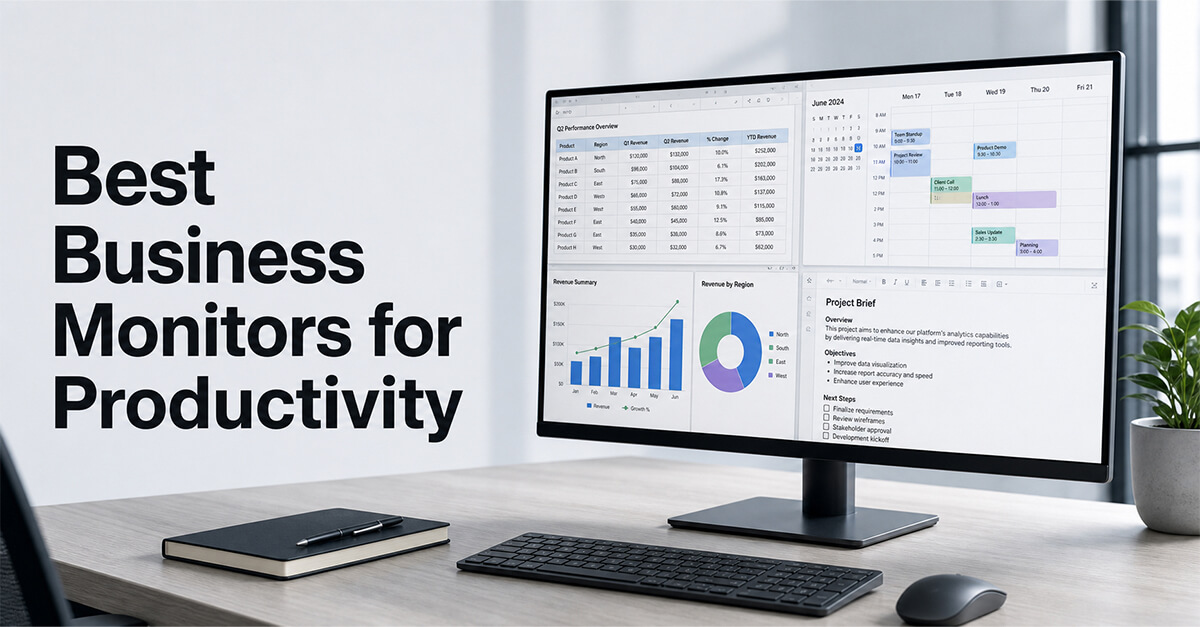
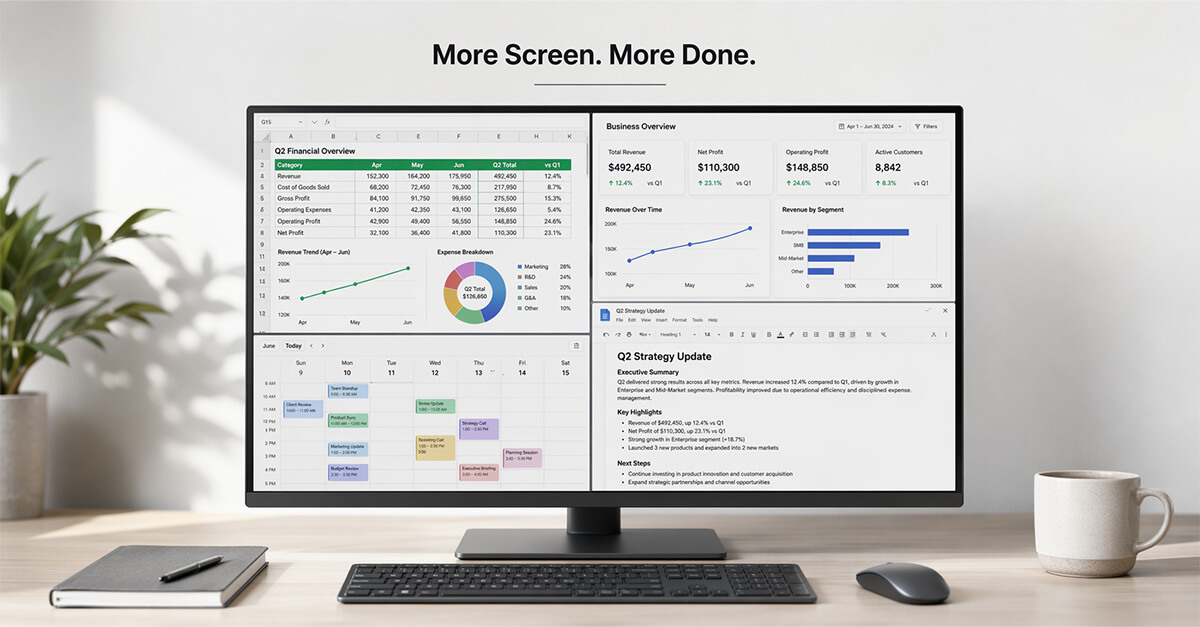
A high-quality monitor is one of the smartest investments for improving workplace productivity. Whether you’re analyzing spreadsheets, editing documents, attending video meetings, designing presentations, or managing multiple applications, the right monitor provides more screen space, sharper visuals, and better ergonomics than a standard laptop display. For professionals working from home or in the office, upgrading to a productivity-focused monitor can improve both comfort and efficiency. This guide compares five of the best business monitors in 2026 based on display quality, ergonomics, connectivity, multitasking capabilities, and overall value.
Why We Picked These Products
We evaluated today’s leading business monitors based on screen resolution, color accuracy, connectivity, USB-C support, ergonomic adjustments, eye-care features, customer reviews, and long-term reliability. These five monitors consistently deliver the best combination of productivity, comfort, and professional performance across different business environments.
Quick Picks
| Category | Product |
| Best Overall | Dell UltraSharp U2723QE |
| Best Premium Display | Samsung ViewFinity S8 |
| Best for Creative Professionals | ASUS ProArt PA279CV |
| Best Ergonomic Monitor | BenQ GW2790QT |
| Best Value | LG UltraFine 32UN650-W |
Comparison Table
| Product | Best For | Resolution | USB-C | Rating |
| Dell UltraSharp U2723QE | Overall Productivity | 4K UHD | Yes | ⭐⭐⭐⭐⭐ |
| LG UltraFine 32UN650-W | Everyday Business | 4K UHD | No | ⭐⭐⭐⭐⭐ |
| BenQ GW2790QT | Office Ergonomics | QHD | Yes | ⭐⭐⭐⭐⭐ |
| ASUS ProArt PA279CV | Creative Work | 4K UHD | Yes | ⭐⭐⭐⭐⭐ |
| Samsung ViewFinity S8 | Premium Productivity | 4K UHD | Yes | ⭐⭐⭐⭐☆ |
Our Top Picks
1. Dell UltraSharp U2723QE
Amazon URL: https://www.amazon.com/Dell-U2723QE-UltraSharp-USB-C-Monitor/dp/B09TQZP9CL/ref=sr_1_1
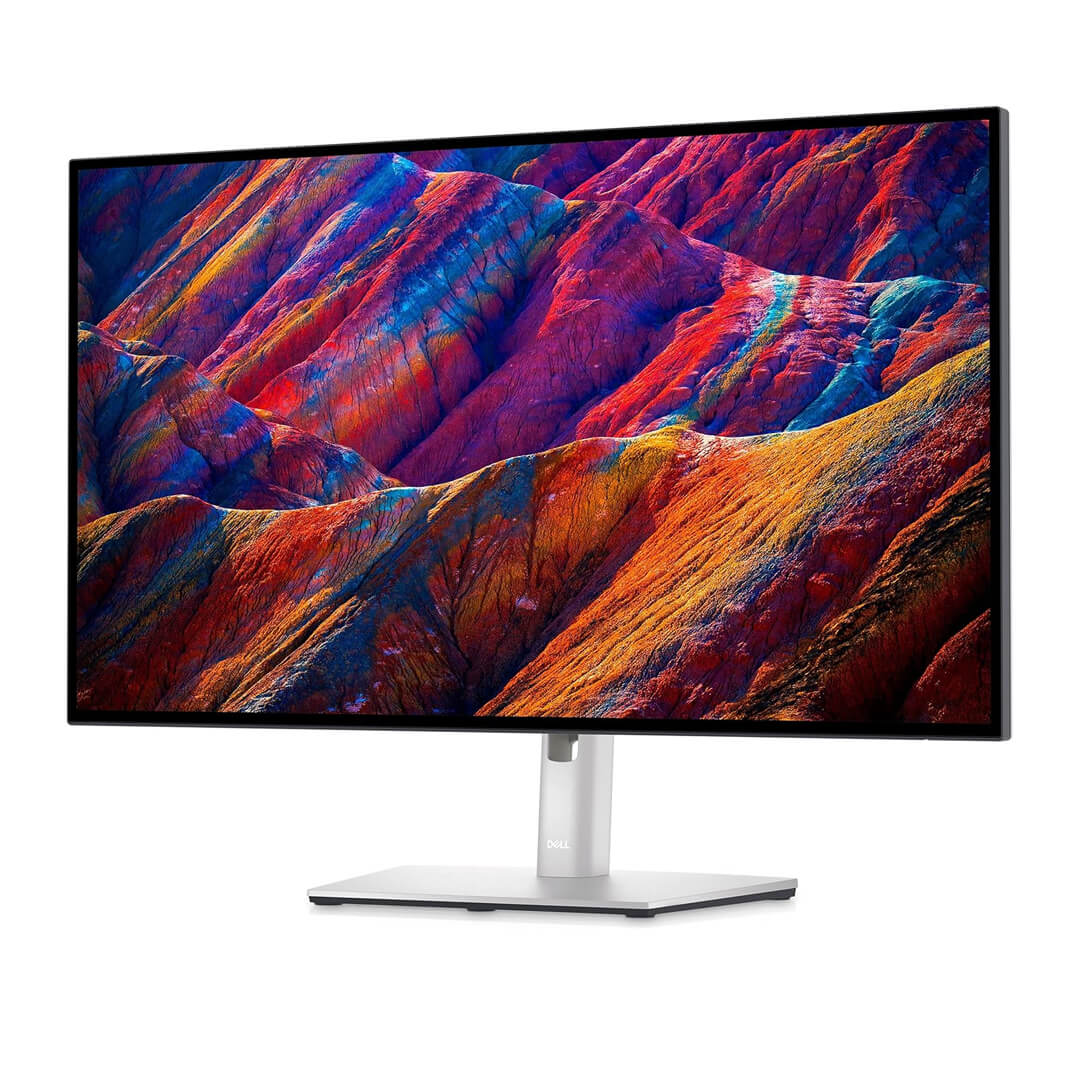
The Dell UltraSharp U2723QE is one of the most complete business monitors available today. Its 27-inch 4K display delivers exceptional sharpness, while USB-C connectivity, accurate colors, and an ergonomic stand make it ideal for professionals who spend long hours working with documents, spreadsheets, presentations, and multiple applications.
Its biggest strength is versatility. The monitor performs equally well in corporate offices, home workspaces, and creative environments. With extensive connectivity options and excellent build quality, it can easily become the centerpiece of a productive workstation for years to come.
Pros
- Outstanding 4K image quality
- USB-C connectivity with power delivery
- Fully adjustable ergonomic stand
Cons
- Premium price compared to standard office monitors
Best For: Professionals looking for the best all-around business monitor.
2. LG UltraFine 32UN650-W
Amazon URL: https://www.amazon.com/LG-32UN650-W-Compatibility-Borderless-Adjustable/dp/B08FQ42MN1
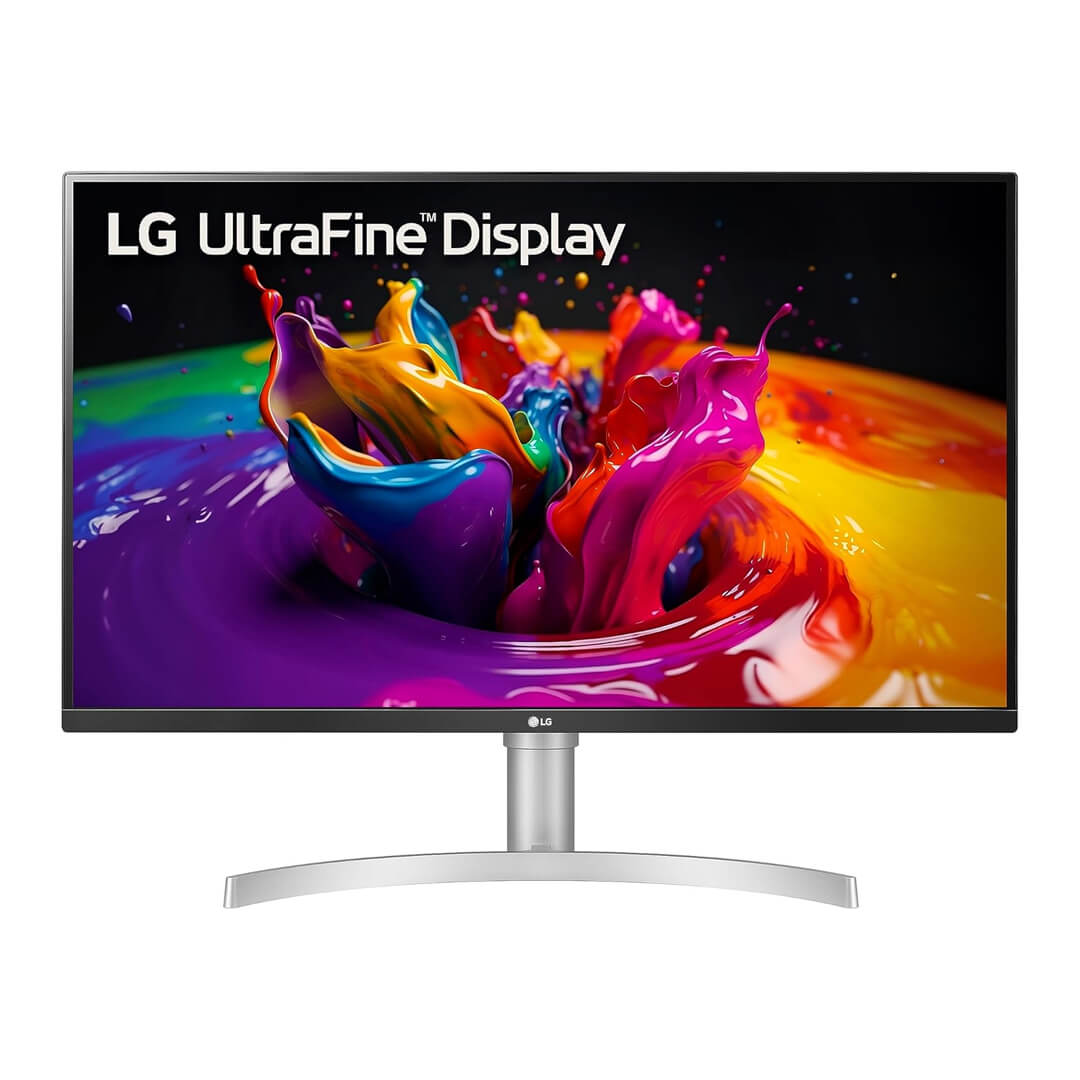
The LG UltraFine 32UN650-W offers a large 32-inch 4K display that provides significantly more workspace than traditional office monitors. The larger screen allows users to comfortably work with multiple windows simultaneously without constantly switching between applications.
For professionals working with spreadsheets, reports, presentations, and financial dashboards, the additional screen real estate can noticeably improve workflow efficiency. Combined with strong image quality and competitive pricing, the UltraFine delivers outstanding value for productivity-focused users.
Pros
- Large 32-inch 4K display
- Excellent multitasking space
- Great value for money
Cons
- No USB-C connectivity
Best For: Professionals who frequently multitask across multiple applications.
3. BenQ GW2790QT
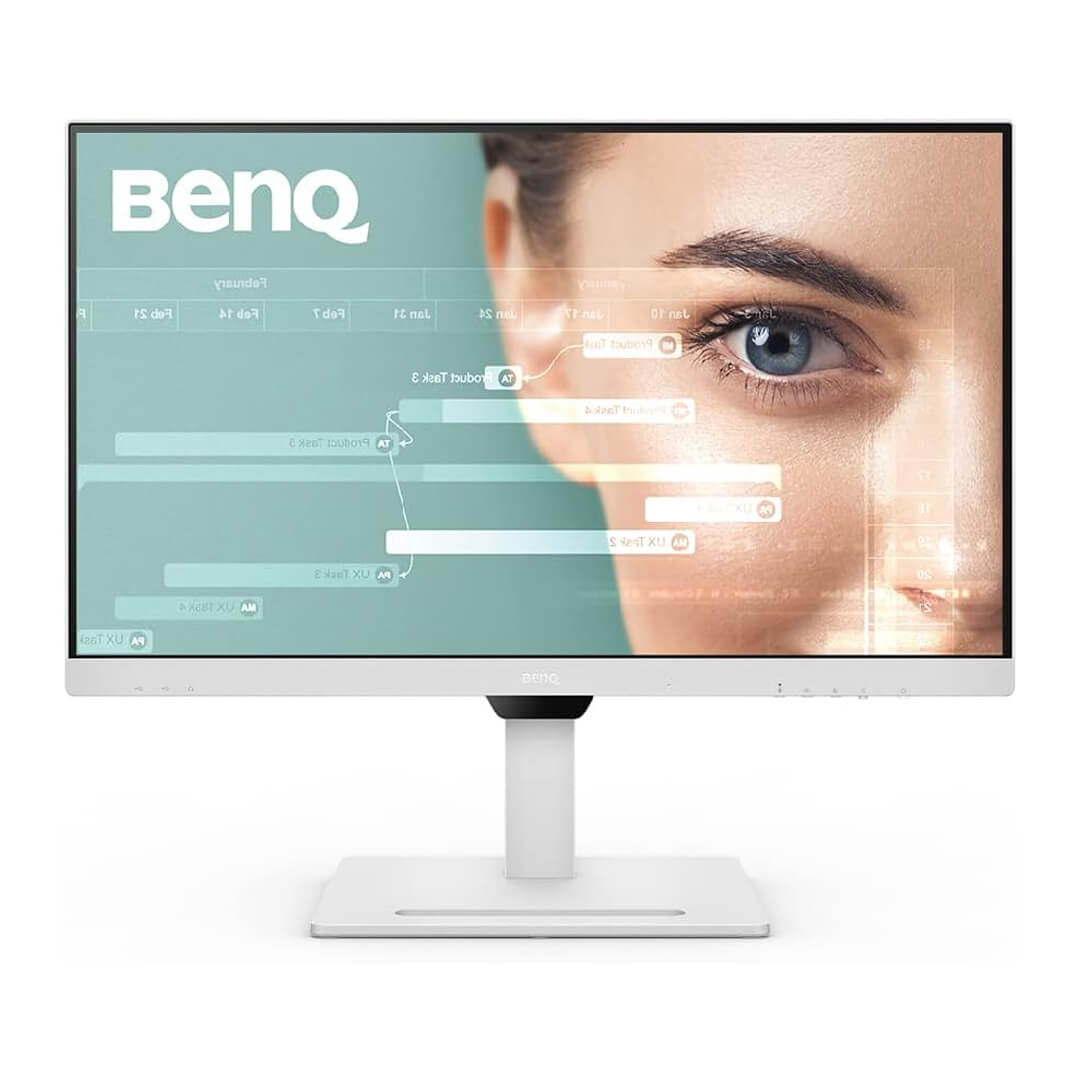
Amazon URL: https://www.amazon.com/BenQ-GW2790QT-Productivity-Intelligence-Noise-Cancelling/dp/B0BVXYJXK7/ref=sr_1_1
The BenQ GW2790QT is specifically designed for office productivity and long working hours. It combines an ergonomic stand, QHD resolution, USB-C connectivity, and BenQ’s eye-care technologies to reduce fatigue during extended work sessions.
Unlike many business monitors that focus solely on display quality, the GW2790QT emphasizes user comfort. Features such as low blue light technology, flicker-free performance, and ergonomic adjustments help professionals remain comfortable throughout the workday while maintaining excellent productivity.
Pros
- Excellent ergonomic design
- Eye-care technologies
- USB-C connectivity
Cons
- QHD instead of 4K resolution
Best For: Office professionals working long hours at their desks.
4. ASUS ProArt PA279CV
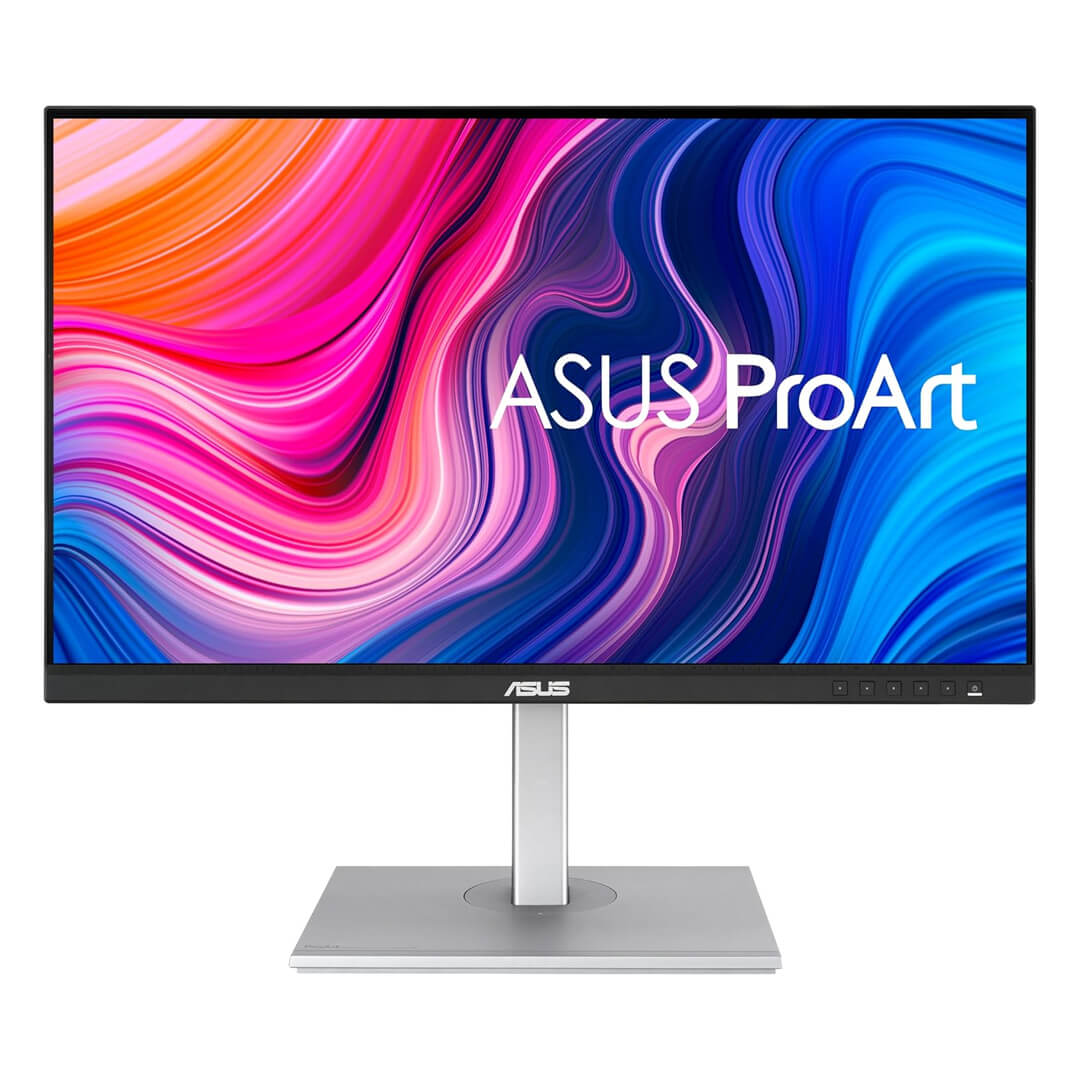
Amazon URL: https://www.amazon.com/ASUS-ProArt-Display-Monitor-PA279CV/dp/B08K2GFDKM/ref=sr_1_1
The ASUS ProArt PA279CV is built for professionals whose work depends on accurate color reproduction. Graphic designers, photographers, architects, marketing teams, and content creators benefit from its factory-calibrated 4K display and exceptional color accuracy.
While it targets creative professionals, it also performs exceptionally well for general business productivity thanks to its sharp display, USB-C connectivity, and premium ergonomic stand. For businesses handling visual content, it’s one of the strongest investments available.
Pros
- Excellent color accuracy
- Factory calibrated display
- USB-C connectivity
Cons
- More expensive than general office monitors
Best For: Designers, content creators, and creative agencies.
5. Samsung ViewFinity S8
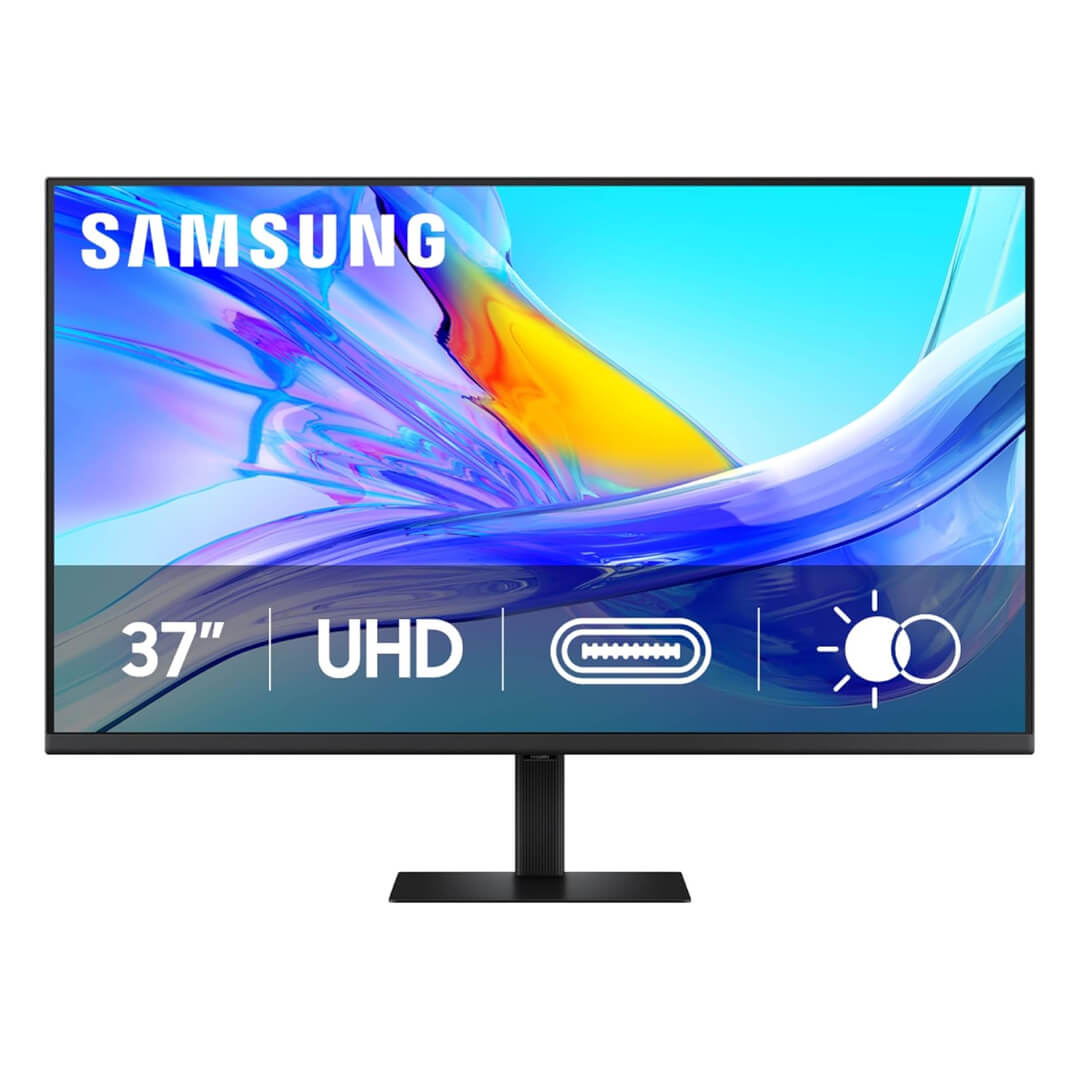
Amazon URL: https://www.amazon.com/Samsung-ViewFinity-Resolution-Adjustable-LS37D800UANXZA/dp/B0F1ZBTZCS/ref=sr_1_1
The Samsung ViewFinity S8 combines premium build quality with a crisp 4K display, making it an excellent choice for executives, consultants, and professionals who demand a polished workspace. Its slim bezels, ergonomic adjustments, and modern design complement both corporate offices and home workstations.
Beyond appearance, the ViewFinity S8 delivers reliable productivity through sharp visuals, multiple connectivity options, and comfortable long-term viewing. It’s a premium business monitor that balances aesthetics with everyday performance.
Pros
- Premium 4K display
- Modern professional design
- Excellent build quality
Cons
- Premium pricing
Best For: Executives and professionals seeking a premium office setup.
How to Choose the Right Business Monitor
Choosing the right business monitor starts with understanding how you work. Professionals who regularly multitask between spreadsheets, documents, browsers, and communication tools benefit from larger displays or 4K resolution, which provide significantly more usable workspace than standard Full HD monitors.
Connectivity is another important consideration. USB-C monitors simplify cable management by allowing compatible laptops to receive video, data, and charging through a single cable. This creates a cleaner workspace and makes docking and undocking much more convenient.
Ergonomics should never be overlooked. Adjustable height, tilt, swivel, and pivot controls allow you to position the monitor comfortably throughout the workday, reducing neck and eye strain. Features such as flicker-free technology and low blue light modes also contribute to a more comfortable viewing experience during extended office hours.
Final Verdict
The Dell UltraSharp U2723QE is our top recommendation thanks to its exceptional display quality, USB-C connectivity, ergonomic design, and outstanding all-around productivity performance. The LG UltraFine 32UN650-W offers tremendous value for professionals who need more screen space, while the BenQ GW2790QT is ideal for users who prioritize comfort during long workdays. Creative professionals will appreciate the color accuracy of the ASUS ProArt PA279CV, and the Samsung ViewFinity S8 delivers a premium viewing experience for executives and modern office environments.
Frequently Asked Questions
1. Is a 4K monitor worth it for office work?
Yes. A 4K monitor provides sharper text, greater workspace, and improved multitasking, making it an excellent investment for professionals who spend long hours at their computers.
2. Which monitor is best for business productivity?
The Dell UltraSharp U2723QE offers the best overall combination of image quality, connectivity, ergonomics, and productivity features.
3. Should I choose a 27-inch or 32-inch business monitor?
A 27-inch monitor works well for most office users, while a 32-inch display provides additional workspace for multitasking and working with large spreadsheets or multiple applications.
4. Is USB-C important for a business monitor?
Yes. USB-C simplifies workspace setup by carrying video, data, and laptop charging through a single cable, reducing clutter and improving convenience.
5. Which business monitor should I buy?
Choose the Dell UltraSharp U2723QE for the best overall productivity, the LG UltraFine 32UN650-W for excellent value, the BenQ GW2790QT for ergonomic comfort, the ASUS ProArt PA279CV for creative work, or the Samsung ViewFinity S8 for a premium professional workspace.