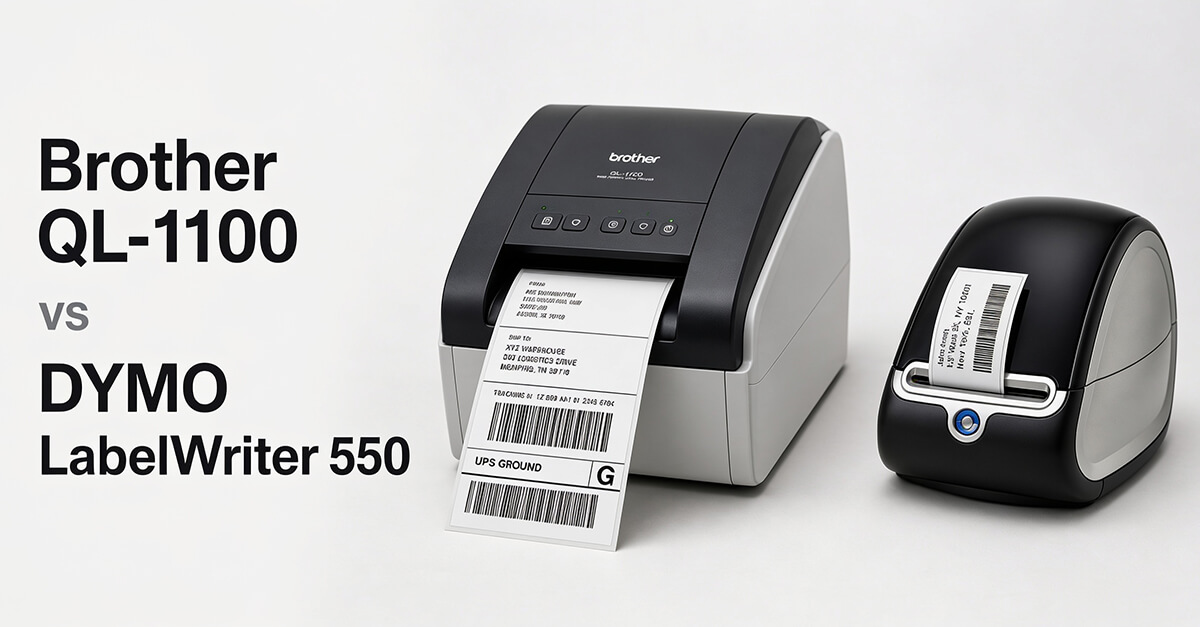
Choosing the right label printer can improve productivity, streamline shipping, and simplify office organization. Two of the most popular options for small businesses are the Brother QL-1100 and the DYMO LabelWriter 550. Both are reliable thermal label printers, but they’re designed for different types of users. While the Brother QL-1100 excels at shipping labels and business versatility, the DYMO LabelWriter 550 focuses on office organization and administrative labeling. This comparison examines their features, performance, ease of use, operating costs, and ideal use cases to help you decide which one deserves a place in your business.
Quick Verdict
- Choose the Brother QL-1100 if: You regularly print shipping labels, warehouse labels, barcodes, or need support for larger label formats.
- Choose the DYMO LabelWriter 550 if: Your business mainly prints address labels, file labels, name badges, and general office labels.
For most growing small businesses and eCommerce sellers, the Brother QL-1100 offers greater flexibility and better long-term value.
Product Overview
Brother QL-1100
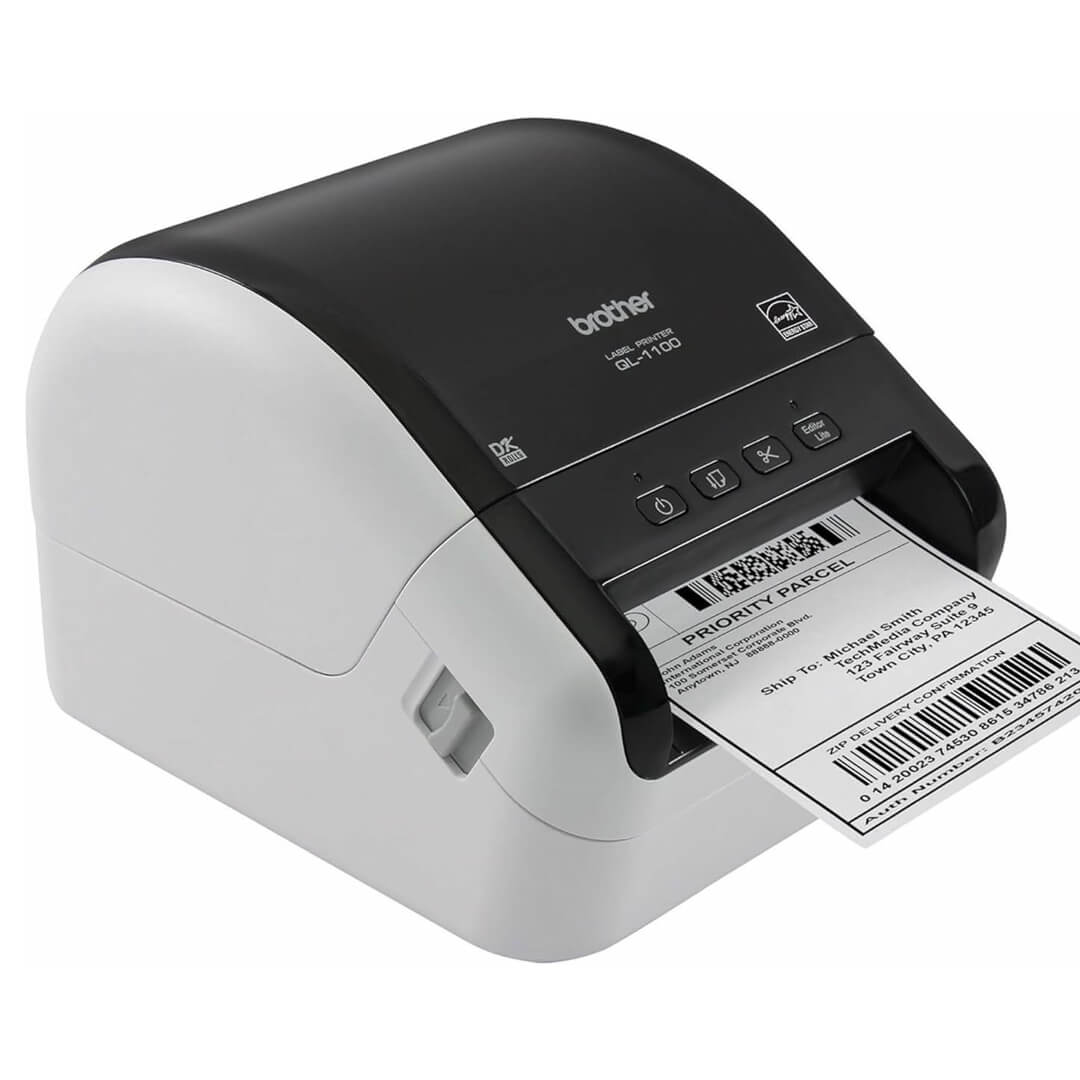
Amazon URL: https://www.amazon.com/Brother-QL-1100-Postage-Professional-Monochrome/dp/B079G51QTB/ref=sr_1_1
The Brother QL-1100 is a professional direct thermal label printer capable of producing everything from shipping labels and barcodes to warehouse and inventory labels. Its support for wide-format labels makes it particularly popular among Amazon sellers, Shopify merchants, warehouses, and logistics businesses.
DYMO LabelWriter 550
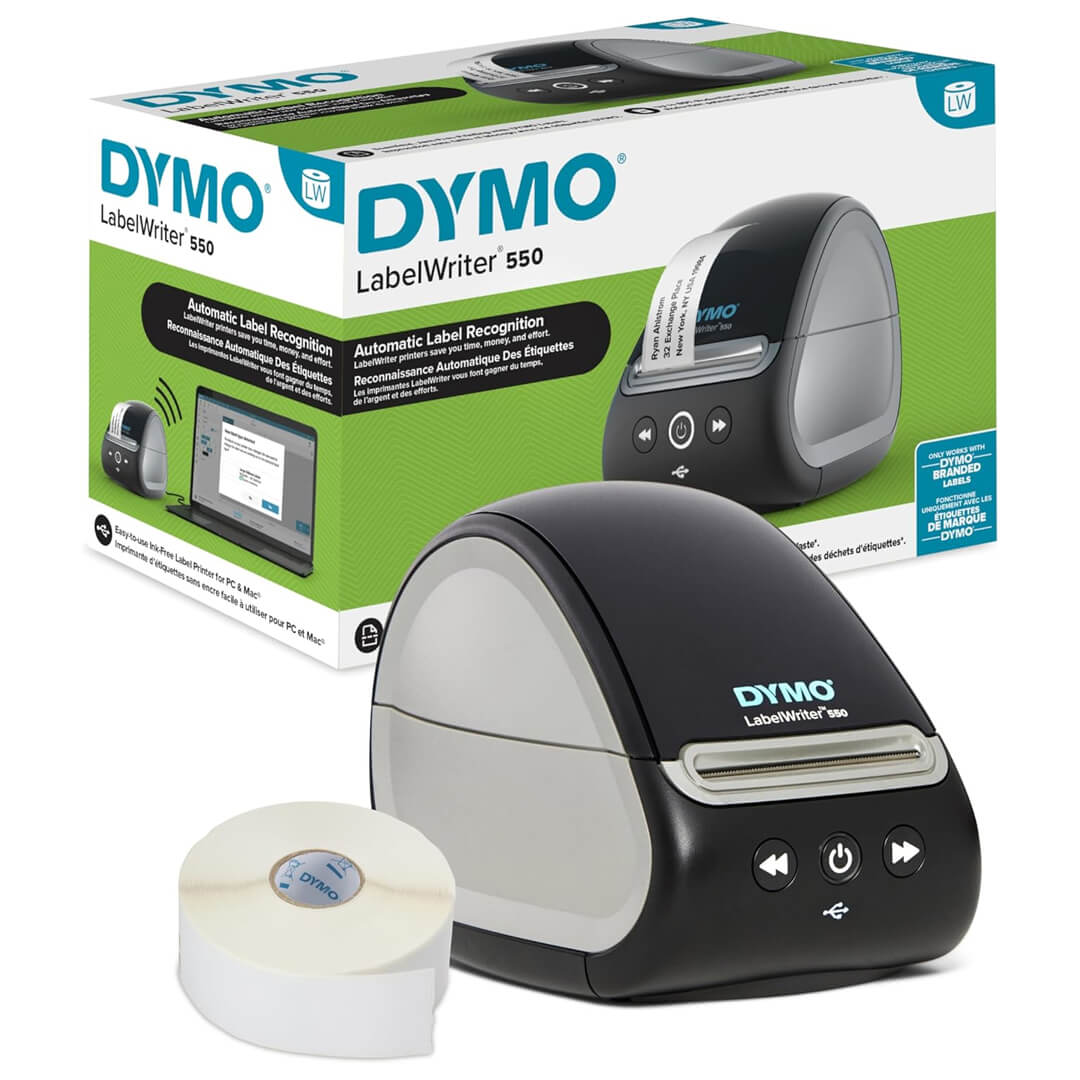
Amazon URL: https://www.amazon.com/LabelWriter-Compatibility-Automatic-Recognition-Plastic-Free/dp/B08TLRL392/ref=sr_1_1
The DYMO LabelWriter 550 is designed primarily for office productivity. It specializes in address labels, filing systems, visitor badges, and organizational labels. Its automatic label recognition technology simplifies setup by detecting installed label rolls automatically.
Side-by-Side Comparison
| Feature | Brother QL-1100 | DYMO LabelWriter 550 |
| Printing Technology | Direct Thermal | Direct Thermal |
| Shipping Labels | Excellent | Limited |
| Barcode Printing | Excellent | Good |
| Office Labels | Excellent | Excellent |
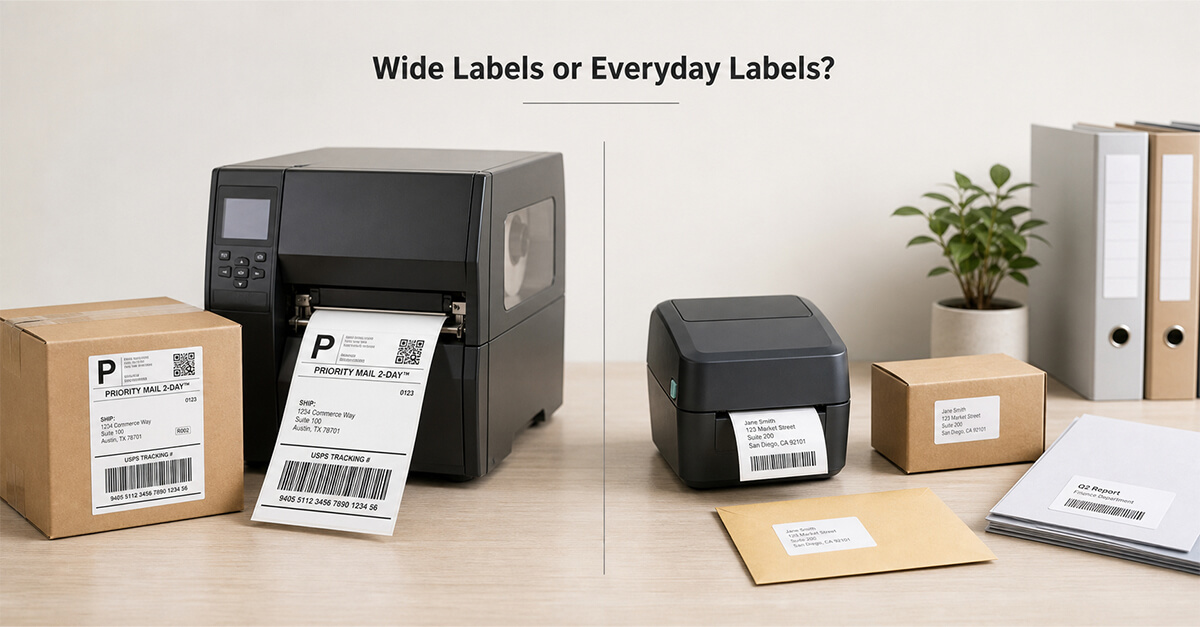
| Wide Label Support | Yes | No |
| Automatic Label Recognition | No | Yes |
| Best Use | Shipping & Business | Office Organization |
Print Quality and Performance
Both printers produce crisp, professional-quality monochrome labels using direct thermal technology, eliminating the need for ink or toner. Text, barcodes, and QR codes remain sharp and easy to scan, making either printer suitable for everyday business use.
The difference lies in versatility. The Brother QL-1100 supports larger shipping labels commonly used by UPS, FedEx, USPS, and Amazon sellers, while the DYMO LabelWriter 550 focuses on smaller office labels. Businesses involved in order fulfillment will benefit more from Brother’s wider media support, whereas office administrators may find DYMO’s capabilities sufficient.
Winner: Brother QL-1100
Ease of Setup and Software
The Brother QL-1100 offers straightforward installation and integrates well with shipping platforms, warehouse software, and barcode applications. Its software provides flexibility for creating custom labels across a wide range of business scenarios.
The DYMO LabelWriter 550 stands out for simplicity. Automatic label recognition identifies the installed label roll and displays remaining labels without manual configuration. For offices with basic labeling needs, this makes day-to-day operation exceptionally easy.
Winner: DYMO LabelWriter 550
Business Applications
The Brother QL-1100 adapts well to multiple business environments. It handles shipping labels, inventory management, warehouse operations, barcode generation, and office labeling from a single device. As businesses grow, its flexibility becomes increasingly valuable.
The DYMO LabelWriter 550 performs best in administrative settings where mailing labels, folders, files, visitor badges, and organizational labels are printed regularly. It isn’t intended to replace dedicated shipping label printers for high-volume fulfillment operations.
Winner: Brother QL-1100
Running Costs
Both printers use direct thermal printing, eliminating recurring ink and toner expenses. Operating costs depend primarily on the price of replacement labels.
The Brother QL-1100 supports a broader range of compatible label sizes, giving businesses greater purchasing flexibility. The DYMO LabelWriter 550 requires compatible label rolls designed for its automatic recognition system, which may limit third-party options depending on business preferences.
For companies printing large shipping volumes, the Brother often proves more economical over time.
Winner: Brother QL-1100
Pros and Cons
Brother QL-1100
Pros
- Supports wide-format shipping labels
- Excellent for eCommerce and warehouses
- Fast and reliable printing
- Versatile business applications
Cons
- No automatic label recognition
- No built-in wireless connectivity
DYMO LabelWriter 550
Pros
- Extremely easy to use
- Automatic label recognition
- Compact desktop footprint
- Excellent for office organization
Cons
- Limited support for large shipping labels
- Better suited for office use than fulfillment
Which Label Printer Should You Buy?
Choose the Brother QL-1100 if your business regularly ships products, manages inventory, prints barcodes, or expects order volume to grow over time. Its ability to handle multiple label sizes makes it a versatile long-term investment that can adapt as your business expands.
Choose the DYMO LabelWriter 550 if your primary focus is office administration. It excels at printing mailing labels, file folders, visitor badges, and organizational labels while offering one of the simplest user experiences available.
Final Verdict
While both printers are excellent products, they serve different business needs. The Brother QL-1100 is the better overall investment for most small businesses because it supports shipping labels, warehouse operations, inventory management, and everyday office labeling in a single device. Its flexibility makes it suitable for growing companies that need more than basic office labels.
The DYMO LabelWriter 550 remains an outstanding choice for administrative offices where organization and mailing tasks are the primary priorities. If your business rarely prints shipping labels, its simplicity and ease of use make it an excellent desktop companion.
Overall Winner: 🏆 Brother QL-1100
Frequently Asked Questions
1. Which printer is better for shipping labels?
The Brother QL-1100 is the better choice because it supports larger shipping labels used by major carriers and eCommerce platforms.
2. Does either printer require ink?
No. Both printers use direct thermal technology, so they don’t require ink cartridges or toner.
3. Which printer is better for office organization?
The DYMO LabelWriter 550 is specifically designed for office labels, file folders, mailing labels, and administrative tasks.
4. Is the Brother QL-1100 good for Amazon sellers?
Yes. The Brother QL-1100 is widely used by Amazon, eBay, Etsy, and Shopify sellers because it handles standard shipping labels efficiently.
5. Which label printer should I buy?
Choose the Brother QL-1100 if your business involves shipping, inventory, or warehouse operations. Choose the DYMO LabelWriter 550 if you primarily need a compact and easy-to-use printer for office organization and administrative labeling.