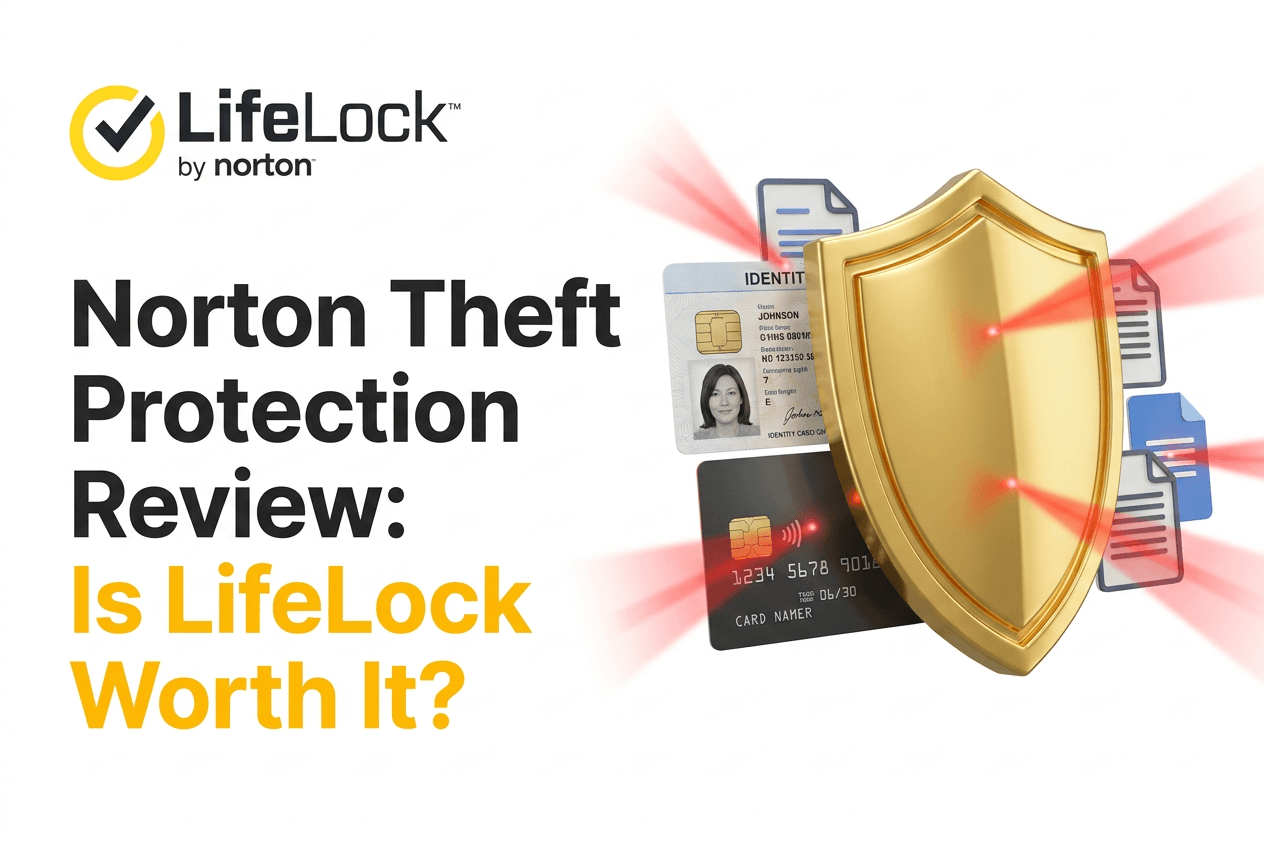
Identity theft doesn’t usually announce itself. It shows up as a strange charge, a credit inquiry you didn’t make, an account you never opened suddenly sitting on your report. By the time most people notice, some damage is already done, and cleaning it up eats hours nobody has.
That’s the gap LifeLock, Norton’s identity theft protection service, is built to sit inside. Not antivirus. Not a VPN. This is specifically about monitoring your identity and finances, then helping you recover if something slips through.
So the real question isn’t whether LifeLock does what it says. It’s whether paying for it, month after month, actually makes sense compared to just watching your own accounts yourself.
Compare LifeLock’s Current Plans
Why Consider Norton’s LifeLock Theft Protection?
A few reasons keep coming up when people weigh this kind of service against doing nothing, or doing it themselves.
- Continuous alerts on identity and account activity
- Notifications when financial accounts show unusual movement
- Access to identity restoration specialists if theft happens
- Reimbursement for eligible losses, up to plan limits
- Broader monitoring across credit, dark web, and personal data
What Does Norton’s LifeLock Theft Protection Actually Cover?
The service isn’t one single feature. It’s a bundle of monitoring tools plus a response system for when something actually goes wrong.
Identity and Financial Monitoring
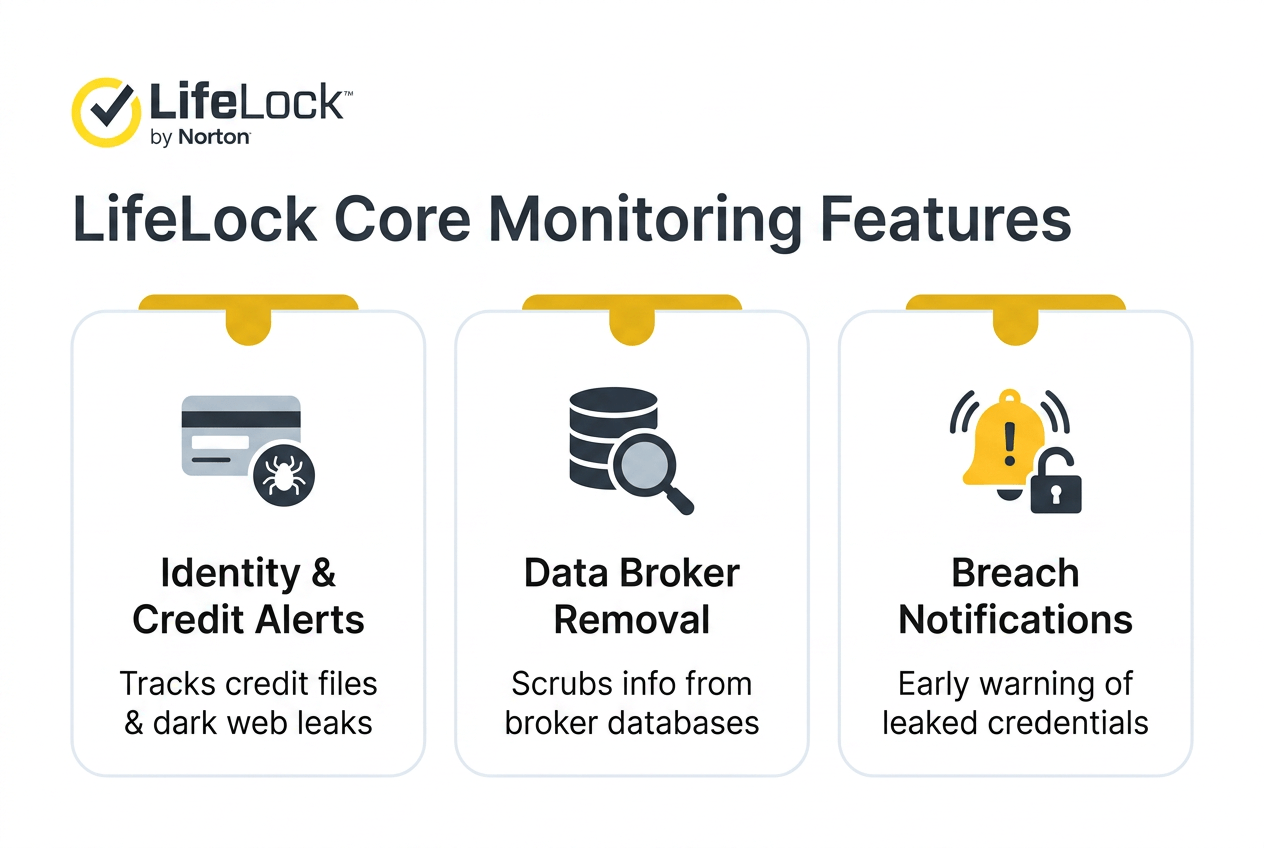
LifeLock watches for signs your identity or finances are being misused, credit file changes, dark web mentions of your data, breach notifications tied to your information. Some tiers add data-broker removal, which means LifeLock actively works to get your personal info scrubbed from sites that sell it. None of this stops theft outright. It just shortens how long it takes you to find out something’s wrong.
Restoration and Reimbursement
If theft does happen, this is where the service earns its keep, or doesn’t. Members get access to restoration specialists who handle the paperwork and phone calls that usually eat up someone’s entire week. Eligible losses can also be reimbursed, though the amount depends heavily on which plan you’re on.
| Protection Area | What LifeLock Does | Why It Matters |
|---|---|---|
| Identity monitoring | Watches for misuse of personal data | Catches problems before they spiral |
| Credit monitoring | Tracks changes to your credit file | Flags new accounts opened in your name |
| Dark web & breach alerts | Scans for your data in leaks | Early warning before damage compounds |
| Data-broker removal | Requests removal from data-selling sites | Reduces exposure over time |
| Restoration support | Specialists handle recovery paperwork | Saves you the hours of cleanup work |
| Reimbursement | Covers eligible losses, plan-dependent | Softens the financial hit if theft occurs |
LifeLock Plans and Pricing: What Are You Actually Paying For?
Three tiers exist right now, Core, Advanced, and Total, and the jump between them isn’t just about price. It’s about how deep the protection goes.
Core vs. Advanced vs. Total
| Plan | First-Year Monthly (Annual) | Monthly Price | ID Theft Reimbursement | Best Fit |
|---|---|---|---|---|
| Core | $10.42/mo | $12.49/mo | Up to $1.05 million | Basic banking and credit exposure |
| Advanced | $16.67/mo | $19.99/mo | Up to $1.2 million | Broader financial accounts, scam concerns |
| Total | $29.17/mo | $34.99/mo | Up to $3 million | High financial exposure, wants full coverage |
Annual billing runs cheaper than paying monthly, and the plan renews automatically unless you cancel it yourself. Advanced and Total both add scam reimbursement support, though it’s worth knowing that’s not available in New York under current terms. And, worth saying plainly, pricing here can shift. What’s listed today might not be exactly what shows up on the site next quarter.
Where LifeLock Provides the Most Business Value
See Which Plan Fits Your Exposure
This isn’t a corporate security tool, so let’s be clear about that upfront. LifeLock doesn’t touch your company’s network, your servers, or your employee systems. What it does protect is the person behind the business, the owner, the executive, whoever’s personal financial identity is tangled up with company decisions.
For Owners and Executives With High Financial Exposure
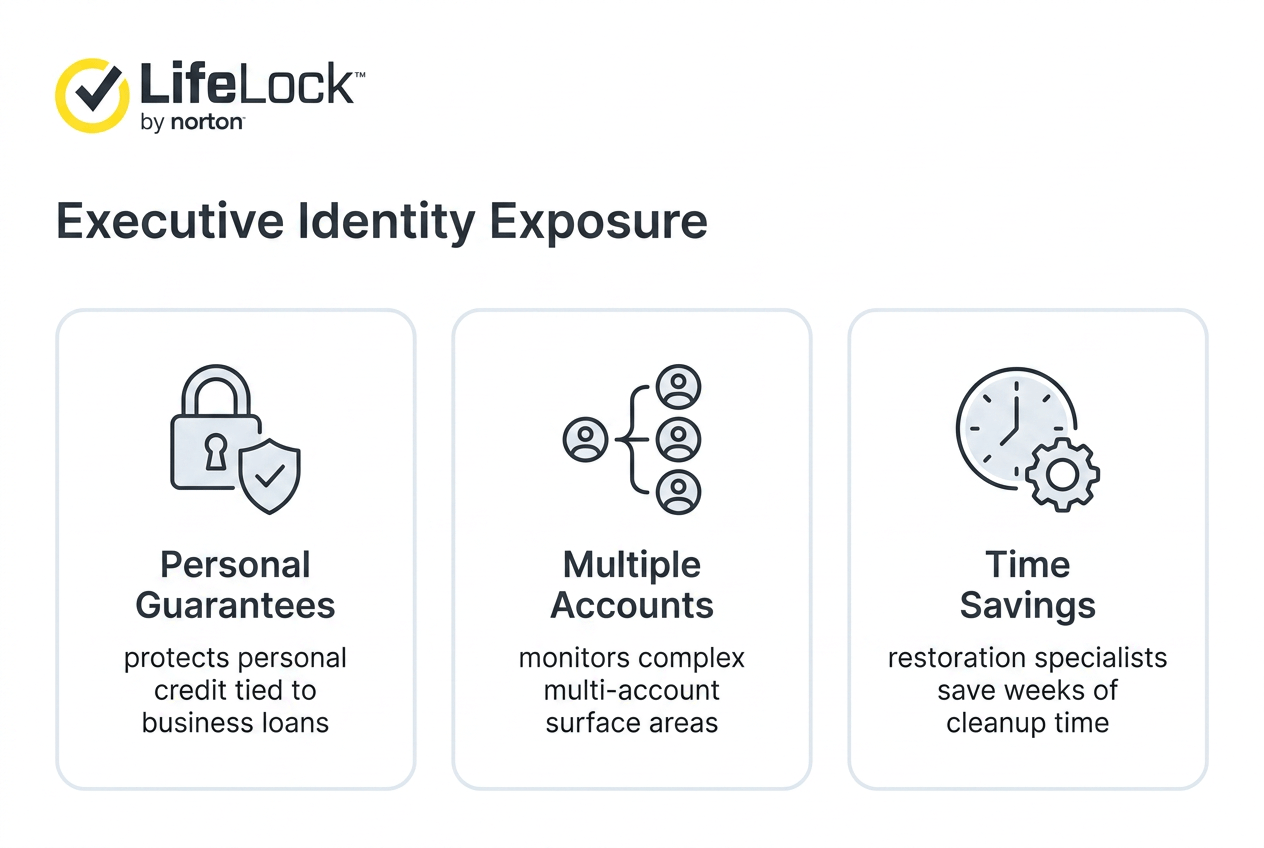
Business owners tend to have more financial surface area than the average consumer. Multiple accounts, credit lines, sometimes personal guarantees tied to business loans. If someone’s identity gets compromised, it’s not just personal, it can ripple into the business too. Continuous monitoring across that many accounts is something most people just don’t have time to do manually.
For People Who Want Managed Recovery, Not Just Alerts
An alert tells you something’s wrong. It doesn’t fix it. That’s really the value LifeLock is selling, someone else does the calling, the paperwork, the back-and-forth with banks and credit bureaus. For a busy executive, that time savings alone might be worth more than the monitoring itself.
What to Consider Before Choosing LifeLock
A few things worth understanding clearly before signing up, not as warnings exactly, just facts that shape whether this fits your situation.
Monitoring identifies problems after they’ve already started, it isn’t a shield that stops theft from happening in the first place. A credit freeze, which is free, blocks new account openings outright and does something monitoring alone can’t. Reimbursement also comes with conditions, exclusions, and eligibility requirements attached, so it’s not blanket insurance in the way people sometimes assume.
What LifeLock Does Not Replace
It doesn’t replace business cybersecurity, firewalls, endpoint protection, employee security training, or any data-breach response system built for company infrastructure. This is personal identity protection, running alongside whatever security a business already has, not standing in for it.
Who Should — and Shouldn’t — Buy LifeLock?
Best Fit
People with real financial exposure, multiple accounts, investment holdings, business ownership tied to personal credit, generally get the most out of this. Anyone who’d rather have specialists handle recovery than deal with banks and bureaus themselves fits here too.
Poor Fit
Someone with simple finances and a credit freeze already in place might not need the extra layer. And if what you’re actually looking for is protection for your business’s network or customer data, this isn’t that tool, no plan here covers that.
Norton LifeLock vs. Alternatives
Self-managed protection, freezing your credit, checking statements regularly, using free monitoring tools, costs nothing and covers a decent baseline. It just requires you to actually do it, consistently, forever.
| Approach | Best For | Main Advantage | Main Limitation |
|---|---|---|---|
| Self-managed (freezes, free monitoring) | Budget-conscious, simple finances | No cost | Requires ongoing personal effort |
| LifeLock | Higher exposure, wants managed recovery | Monitoring plus restoration and reimbursement | Recurring subscription cost |
| Business-focused security tools | Company data and network protection | Covers infrastructure LifeLock doesn’t touch | Doesn’t cover personal identity |
When LifeLock Makes More Sense
If your finances are complex enough that manual monitoring feels unrealistic, or if the idea of handling identity theft alone sounds exhausting, LifeLock’s model starts making more sense than the free route.
Final Verdict: Is Norton Theft Protection a Smart Investment?
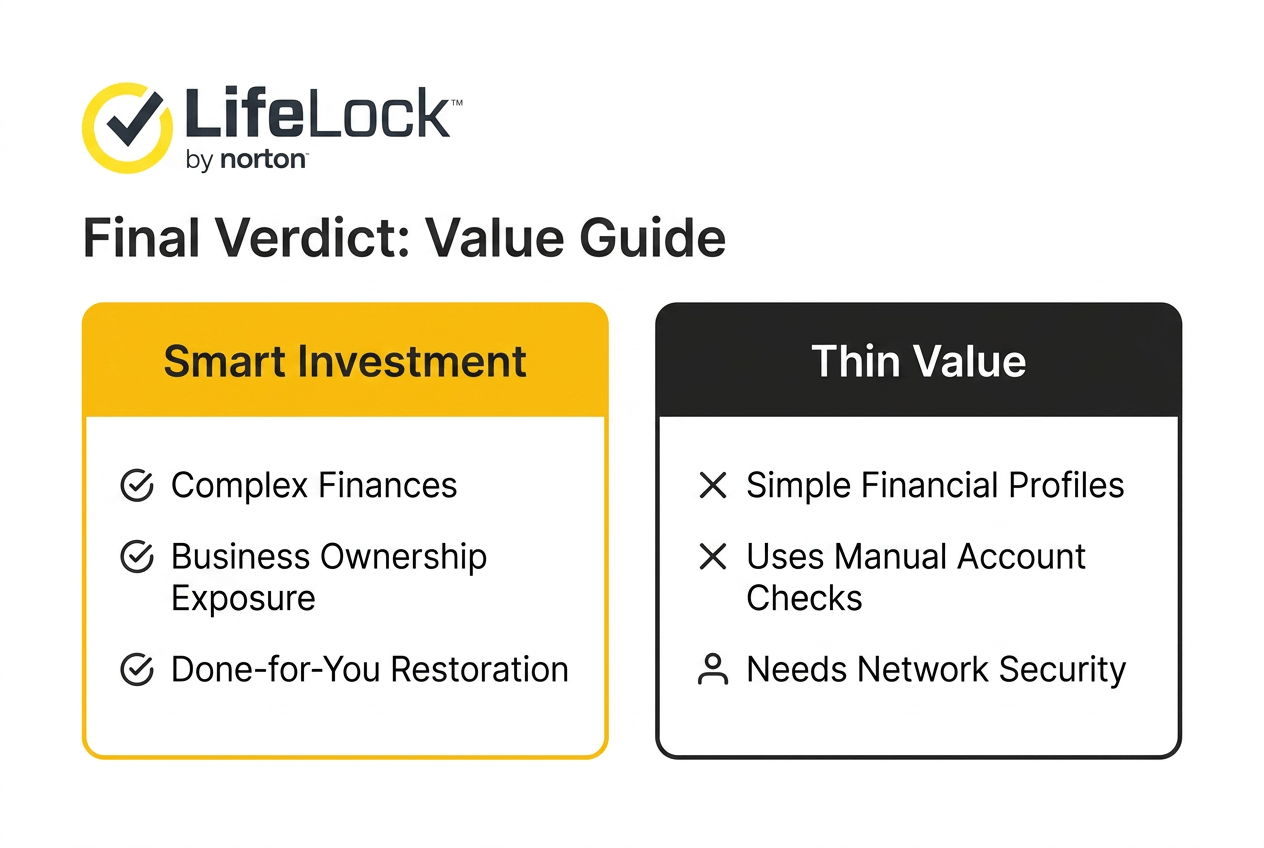
LifeLock isn’t cheap, and it isn’t magic either. What it offers is continuous monitoring across a wide range of identity and financial risk points, paired with restoration help and reimbursement if things go wrong. For someone with real financial complexity, multiple accounts, business ties, high exposure, that combination probably justifies the monthly cost.
For someone with simpler finances who’s already frozen their credit and checks their accounts regularly, the value gets thinner. And to be clear one more time, this protects a person’s identity, not a company’s network or data. Different problems, different tools.
Frequently Asked Questions About Norton Theft Protection
What does Norton LifeLock protect against?
Identity theft, unauthorized account activity, credit fraud, and misuse of personal data found through dark web or breach monitoring.
How much does Norton theft protection cost?
Plans start around $10.42 a month for Core when billed annually, up to $29.17 a month for Total. Monthly billing costs more.
Does LifeLock prevent identity theft?
Not entirely, no. It monitors and alerts you to suspicious activity, but it can’t stop every account takeover or fraudulent inquiry before it happens.
Is LifeLock worth paying for if I can freeze my credit?
A credit freeze covers new account openings. LifeLock covers broader monitoring plus restoration and reimbursement, so the two aren’t quite doing the same job.
Does LifeLock protect a business?
No. It protects individual identity and finances, not company networks, employee systems, or business data.
Learn More