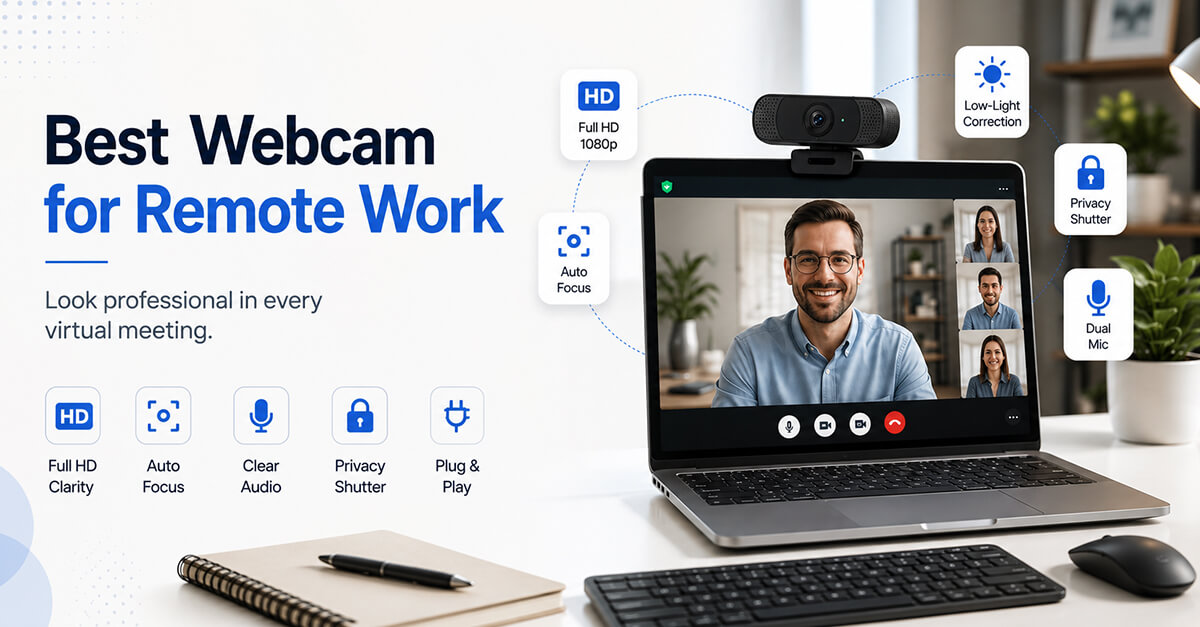
Remote work has made webcams an essential tool for professionals, freelancers, consultants, educators, and business owners. Whether you’re attending virtual meetings, conducting interviews, collaborating with teams, or presenting to clients, a quality webcam can significantly improve how you appear on screen.
While most laptops include built-in cameras, dedicated webcams typically offer better image quality, sharper focus, improved low-light performance, and more professional-looking video.
To help you find the right option, we’ve reviewed five popular webcams that offer strong performance for remote work and video conferencing.
Quick Comparison
| Webcam | Best For |
| Logitech C920S | Overall remote work performance |
| Anker PowerConf C200 | Professional video meetings |
| NexiGo N60 | Budget-friendly conferencing |
| OBSBOT Meet 2 | AI-powered video quality |
| Logitech Brio 101 | Simple everyday meetings |
1. Logitech C920S
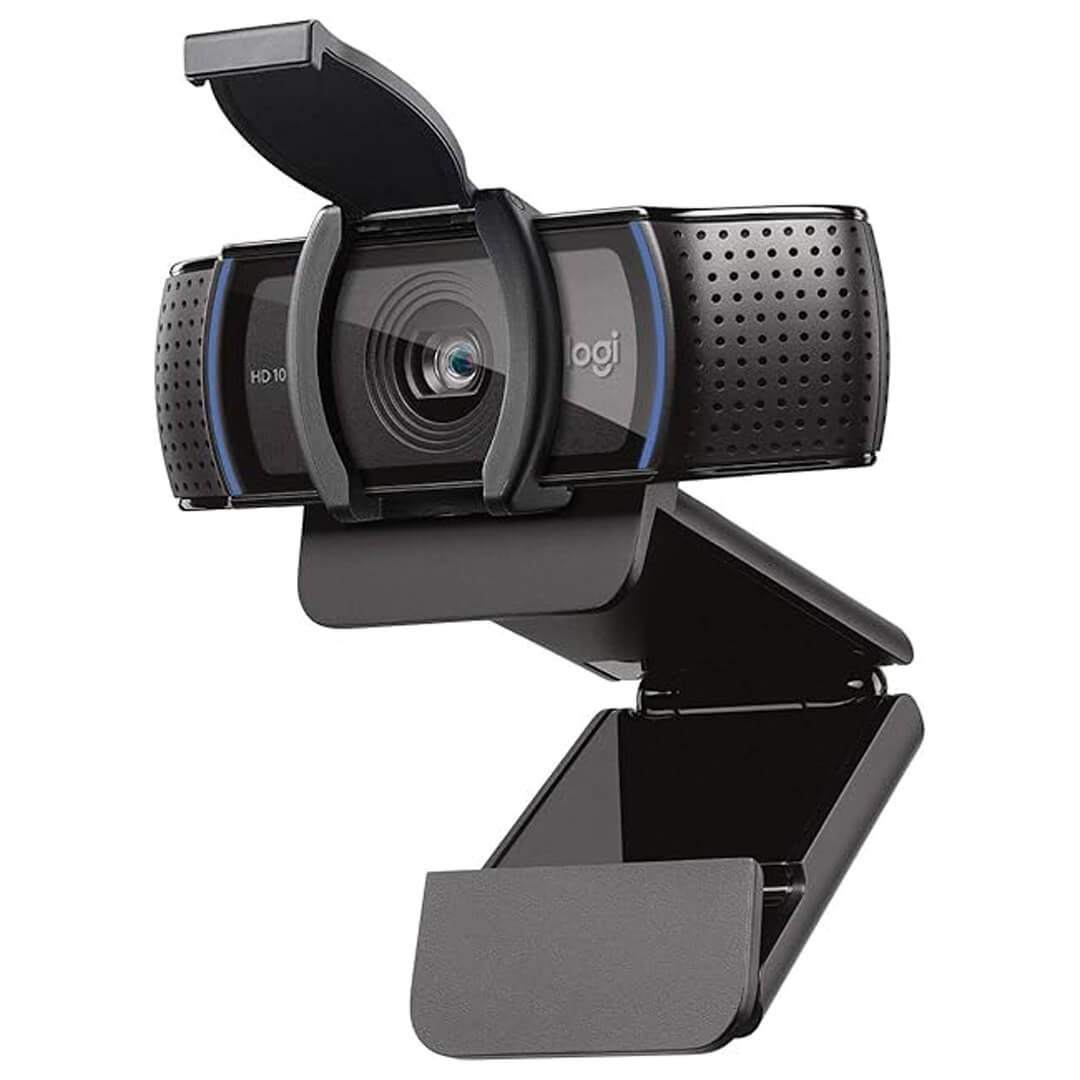
The Logitech C920S has been one of the most trusted webcams for years. Its combination of reliable image quality, broad compatibility, and simple setup makes it a favorite among remote professionals.
Key Features
- Full HD 1080p video
- Built-in privacy shutter
- Dual microphones
- Automatic light correction
- Universal compatibility
Best For
Professionals who want a dependable webcam for everyday meetings.
What We Like
- Consistent image quality
- Easy plug-and-play setup
- Reliable autofocus
- Excellent value
Suggested Improvements
- Older design compared to newer models
- Fewer advanced AI features
Amazon Product: Logitech C920S
Check Latest Price on Amazon:
https://www.amazon.com/Logitech-C920S-Pro-HD-Webcam/dp/B07K986YLL
2. Anker PowerConf C200
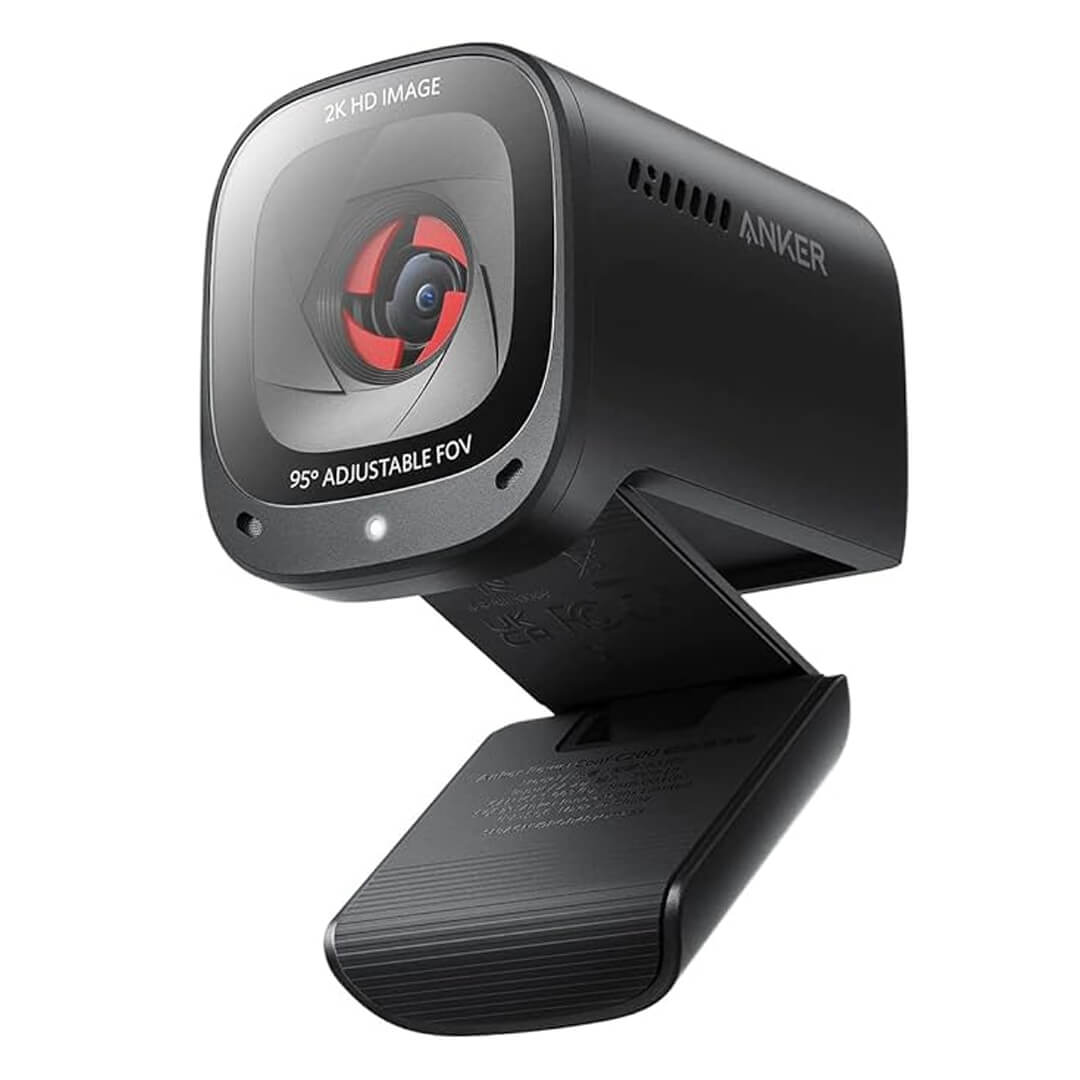
The Anker PowerConf C200 is designed specifically for modern remote workers. It delivers sharp video quality and flexible image settings that help users look professional during video calls.
Key Features
- 2K video resolution
- Adjustable field of view
- AI image enhancement
- Dual microphones
- Integrated privacy cover
Best For
Professionals who spend several hours each day on video calls.
What We Like
- Sharp image quality
- Adjustable viewing angles
- Excellent microphone performance
- Modern design
Suggested Improvements
- Higher price than entry-level webcams
- Advanced settings may require software adjustments
Amazon Product: Anker PowerConf C200
Check Latest Price on Amazon:
https://www.amazon.com/Anker-PowerConf-Microphones-Adjustable-Correction/dp/B09MFMTMPD
3. NexiGo N60
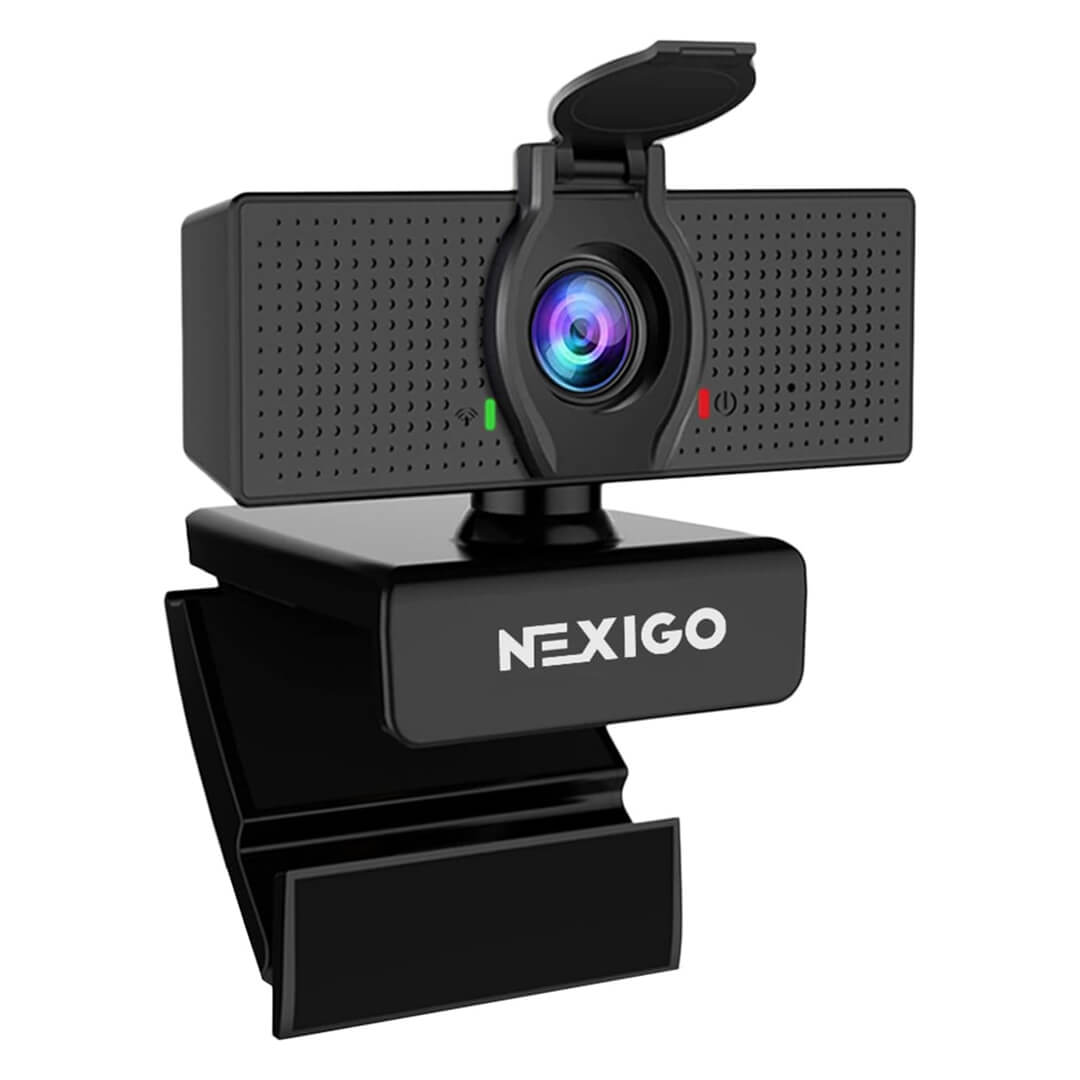
The NexiGo N60 offers an affordable entry point into dedicated webcams while still providing strong video quality for remote work.
Key Features
- Full HD 1080p video
- Built-in microphone
- Wide viewing angle
- Privacy cover included
- USB plug-and-play setup
Best For
Budget-conscious professionals and students.
What We Like
- Affordable pricing
- Easy setup
- Good image quality
- Included privacy cover
Suggested Improvements
- Basic microphone performance
- Limited premium features
Amazon Product: NexiGo N60
Check Latest Price on Amazon:
https://www.amazon.com/Microphone-NexiGo-Computer-110-degree-Conferencing/dp/B088TSR6YJ
4. OBSBOT Meet 2
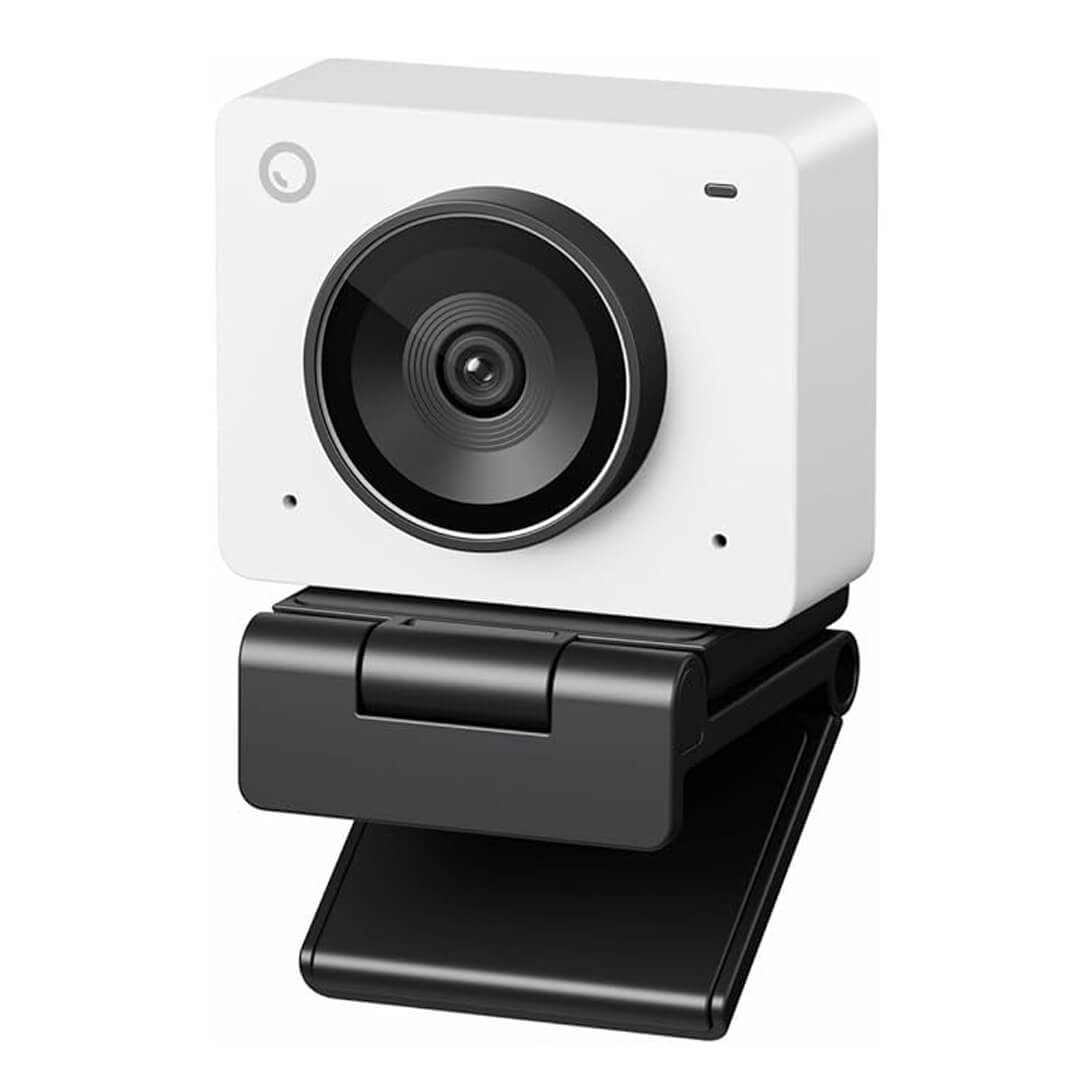
The OBSBOT Meet 2 brings AI-powered camera technology to remote work. It is designed for professionals who want higher-quality video and more advanced camera capabilities.
Key Features
- AI-powered image optimization
- Autofocus system
- Compact design
- High-resolution video
- Streaming and conferencing support
Best For
Professionals who want premium video quality for meetings and content creation.
What We Like
- Excellent image clarity
- Advanced autofocus
- Modern AI features
- Compact form factor
Suggested Improvements
- Premium pricing
- More features than some users need
Amazon Product: OBSBOT Meet 2
Check Latest Price on Amazon:
https://www.amazon.com/OBSBOT-Autofocus-Lightweight-Microphone-Streaming/dp/B0D9W7W7PZ
5. Logitech Brio 101
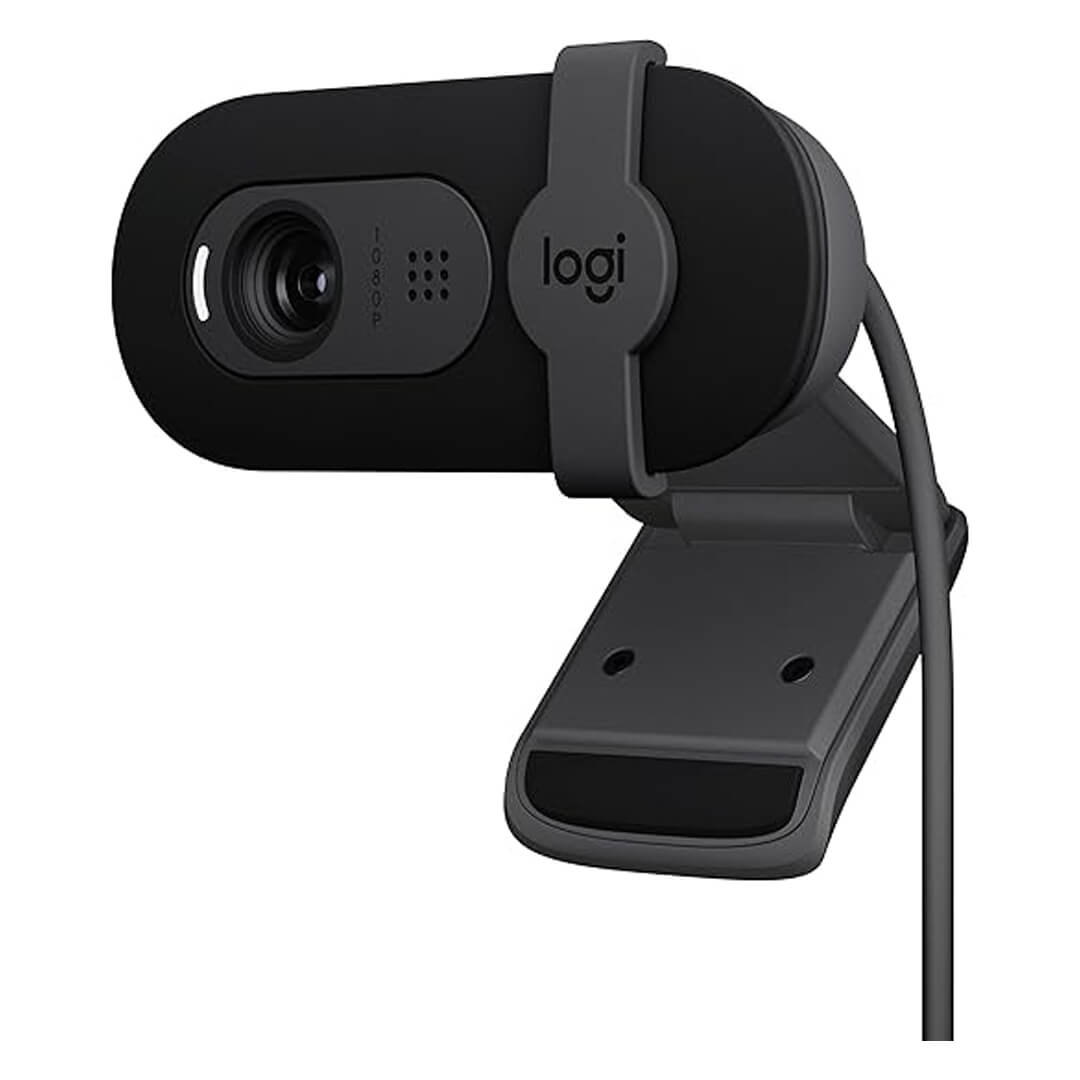
The Logitech Brio 101 focuses on simplicity and ease of use. It provides a straightforward upgrade over most built-in laptop cameras without requiring a significant investment.
Key Features
- Full HD video
- Auto-light balance
- Built-in privacy shutter
- Compact design
- Plug-and-play setup
Best For
Professionals who need a simple and reliable webcam for everyday meetings.
What We Like
- Affordable pricing
- Easy installation
- Trusted Logitech quality
- Compact footprint
Suggested Improvements
- Fewer advanced features
- Lower resolution than premium alternatives
Amazon Product: Logitech Brio 101
Check Latest Price on Amazon:
https://www.amazon.com/Logitech-Webcam-Meetings-Streaming-Built/dp/B0BXGFFSL1
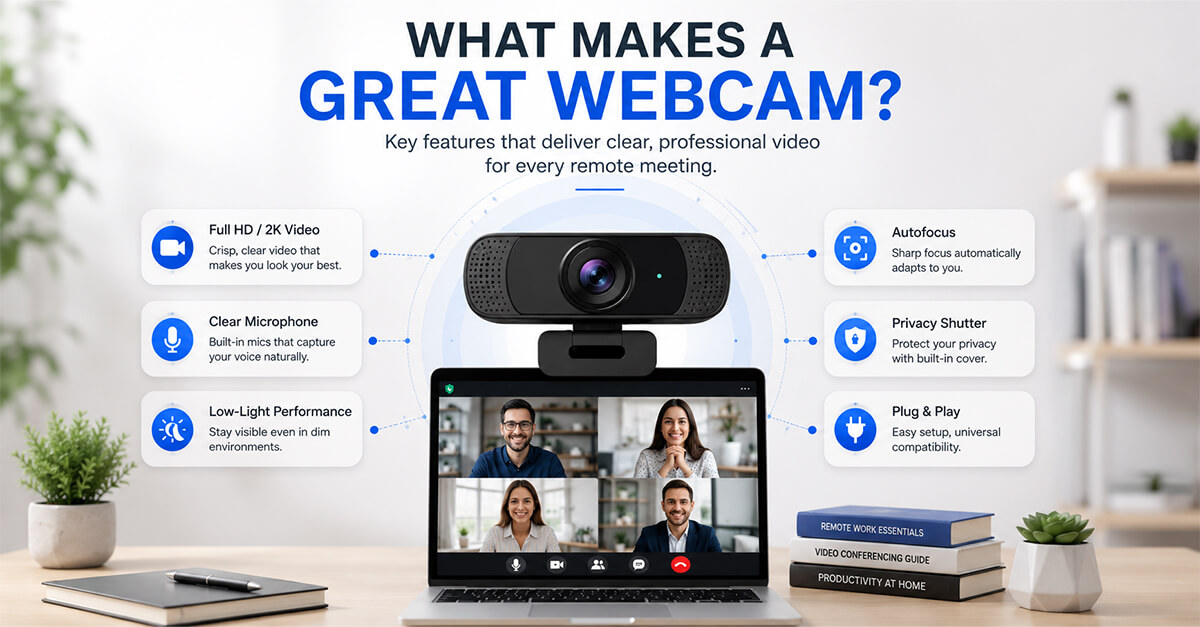
How We Chose These Webcams
When evaluating webcams for remote work, we focused on the factors that matter most during video meetings and online collaboration:
- Video quality
- Low-light performance
- Microphone quality
- Ease of setup
- Compatibility
- Privacy features
- Overall value
Our goal was to identify webcams suitable for a variety of professional environments and budgets.
Which Webcam Is Best for You?
The best webcam depends on your work requirements and meeting frequency.
- Choose the Logitech C920S for dependable all-around performance.
- Choose the Anker PowerConf C200 for professional-quality video conferencing.
- Choose the NexiGo N60 for affordability and simplicity.
- Choose the OBSBOT Meet 2 for premium AI-powered video quality.
- Choose the Logitech Brio 101 for everyday remote work needs.
Final Verdict
A dedicated webcam can significantly improve your virtual presence, helping you appear more professional during meetings, presentations, and interviews.
Among the products reviewed here, the Logitech C920S remains one of the best overall choices for most remote workers thanks to its balance of image quality, reliability, and value. However, users seeking sharper video quality or advanced features may find the Anker PowerConf C200 or OBSBOT Meet 2 better suited to their needs.
Whether you’re working from home full-time or attending occasional virtual meetings, investing in a quality webcam can make a noticeable difference in your online communication experience.