Introduction
Here’s the thing about most failing businesses. It’s rarely an idea. It’s the coordination. Work gets stuck between five different tools, a Slack thread nobody scrolls back to, and a spreadsheet three people are quietly editing at the same time, badly. monday.com is supposed to fix that.
Started back in 2012 as a pretty basic visual board, and somewhere along the way it turned into monday.com, the AI Work Platform, built around how teams actually plan things out and get them done.
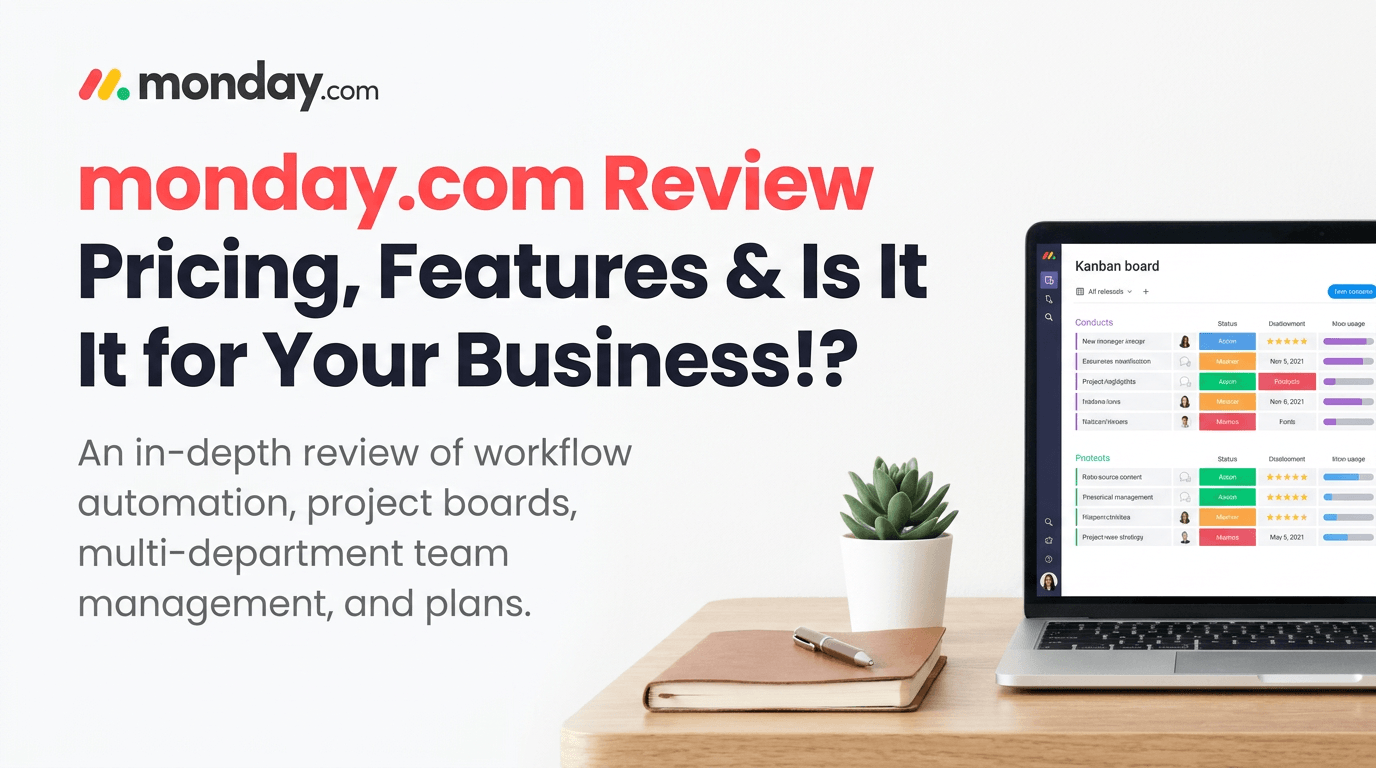
So what’s this review actually cover? Pricing. The features that matter and the ones that don’t. Automation. How it stacks up next to Asana. And who should even bother paying for it.
Why Businesses Choose monday.com
Centralizing Work Across Teams
Marketing’s got its own campaign calendar. Sales runs a pipeline. Operations has a task list living in somebody’s inbox, and nowhere else. Put it all in one place, that’s the pitch, so leadership can actually see what’s going on without cornering five people just to get an update. Sounds simple. It isn’t, not really.
Improving Project Visibility
If a manager’s asking “where are we on this” every single week, that’s time nobody planned to lose. Boards, timelines, dashboards, they give something closer to a real picture. Whether that’s worth the subscription? Depends how much the visibility problem is actually costing right now.
Reducing Manual Coordination
A good chunk of status meetings exist for one reason: information doesn’t move by itself. Shared boards and automated status changes eat into that. Not all of it, meetings still happen, they always do. But the ones that only exist to answer “what’s the update,” those start to thin out.
How monday.com Helps Teams Work Smarter
Managing Marketing Campaigns
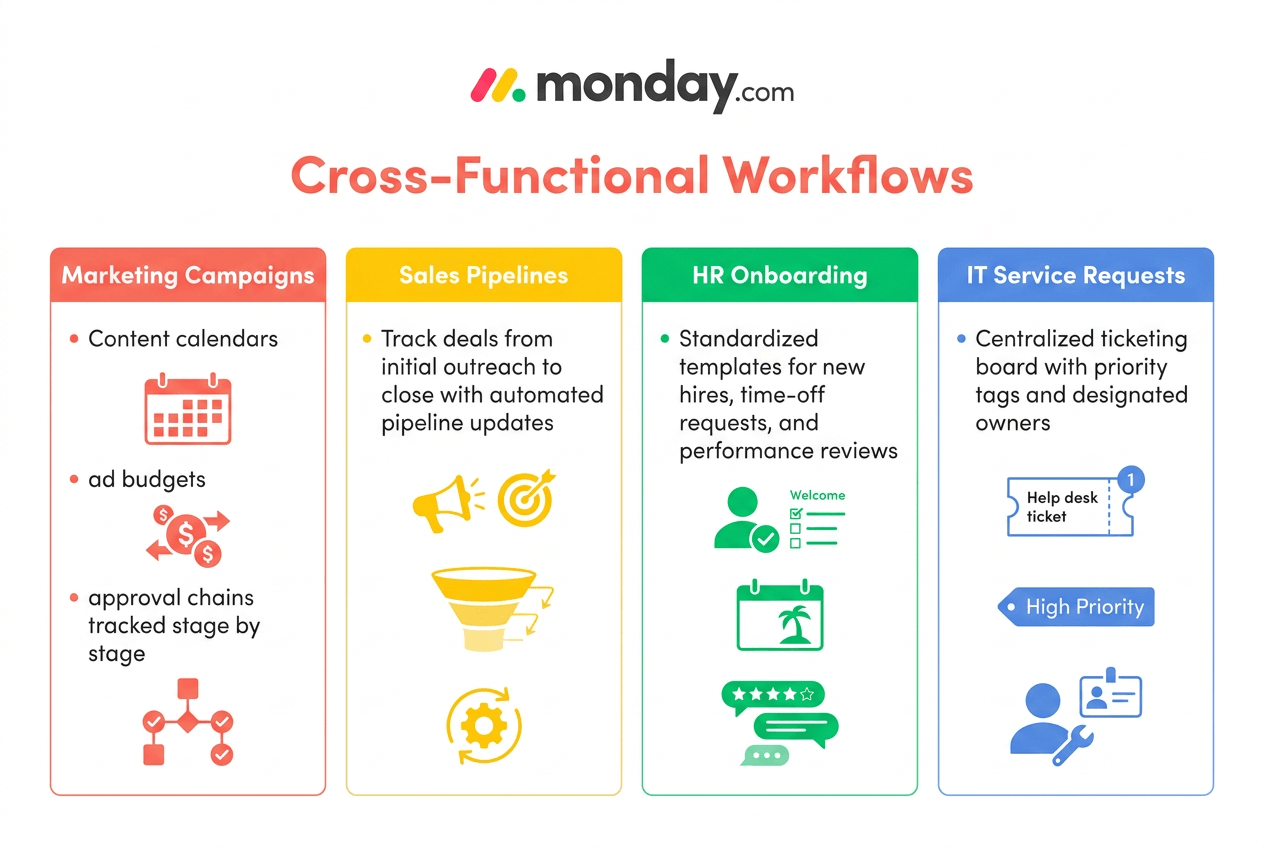
Content calendar, ad budget, approval chain. Marketing teams juggle all three at once and half the time none of them talk to each other. A campaign in monday.com moves through stages, brief to launch, and each step’s got an owner and a deadline stuck to it. Less stuff slips through quietly. That’s really the whole point of the exercise.
Coordinating Sales Pipelines
A deal moves from first contact to close and the board updates as it goes, so a sales manager isn’t stuck building some separate forecast in a spreadsheet just to figure out where revenue actually stands.
Organizing HR Workflows
Onboarding. Time-off requests. Performance reviews. Same pattern every time, more or less. monday.com turns that into a template you reuse. Doesn’t sound like much written down like that, but ask an HR team onboarding a dozen people a quarter how much setup time that saves.
Streamlining IT Requests
IT tickets have this habit of getting buried in email and just sitting there. A board with priority tags and an assigned owner gives them something they can work through instead of something they keep having to dig back into.
How Automation Improves Daily Operations
Automating Repetitive Tasks
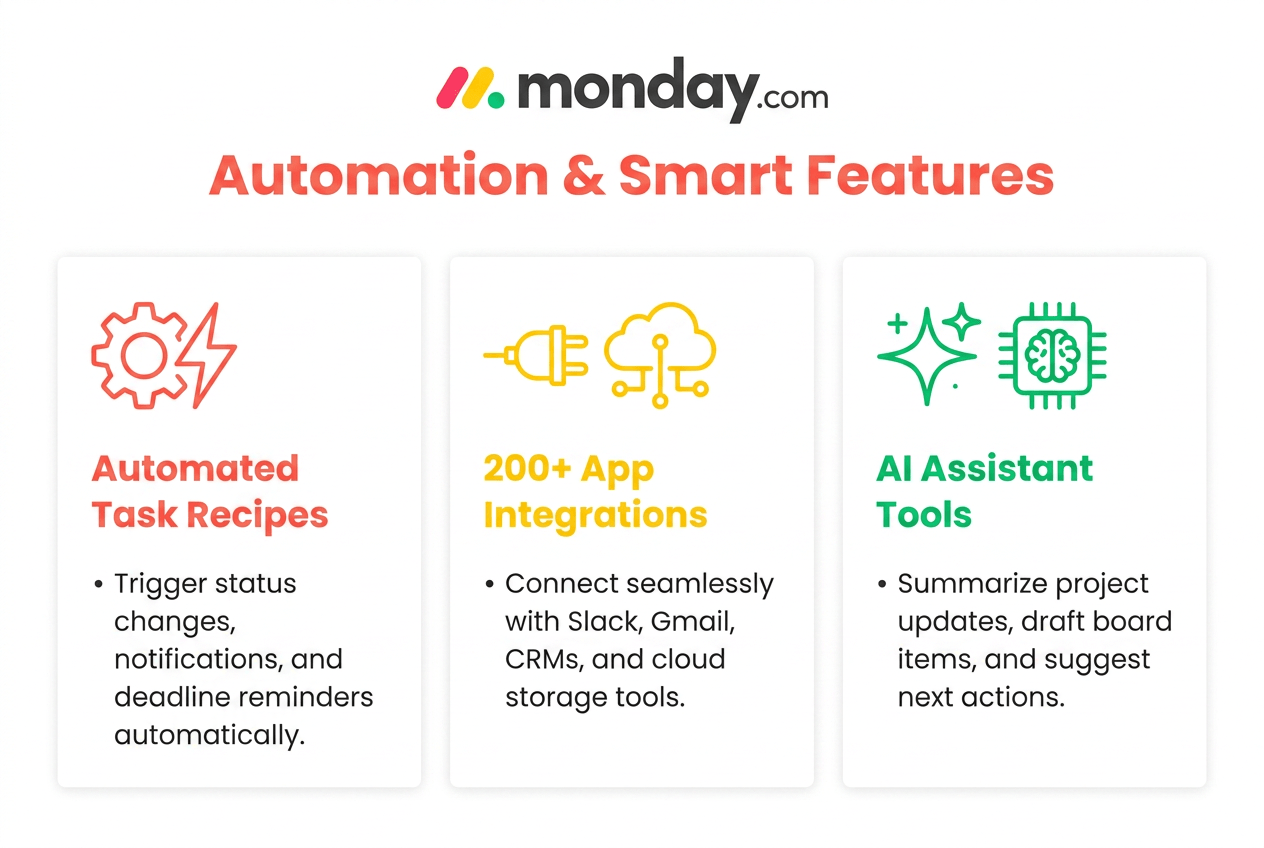
Status changes. Notifications. Deadline reminders. None of it needs a person doing it by hand, over and over, forever. The automation recipes handle the repetitive stuff so staff can spend their hours on decisions instead of admin busywork nobody enjoys.
Connecting Business Applications
Over 200 integrations. Slack, Gmail, a handful of CRMs in there too. Matters more than it sounds, honestly, because a work platform sitting off on its own, cut off from everything else, just becomes one more tab nobody wants to open.
AI-Assisted Workflow Management
The AI agents, the AI columns, and Sidekick, monday.com’s AI assistant, they’ll summarize updates, draft something rough, suggest what happens next inside a board. Won’t replace judgment. Shouldn’t try to. But for a team drowning in status updates? It buys back real hours.
Choosing the Right monday.com Plan
Free vs Paid Plans
Free plan covers 2 seats, up to 3 docs, a few templates thrown in. Fine for kicking the tires. No automations though, no integrations, no timeline view, so most real teams outgrow it in weeks. Not months.
Business vs Enterprise
Paid plans kick off with Basic, around $9 a seat monthly on annual billing. There’s a 3-seat minimum baked in though, so the real floor’s closer to $27 a month, not $9. Standard runs about $12 a seat, adds the automations and integrations most small and mid-size teams actually want. Pro climbs to roughly $19 a seat. More automation rooms, private boards too. Enterprise is a custom quote, gated behind an actual sales call, usually reserved for bigger seat counts and stricter security asks.
Which Plan Fits Your Organization?
Five-person marketing team? Standard’s probably fine. A 40-person ops department dealing with compliance headaches is a whole different conversation, and that’s where Enterprise starts making sense. Plan choice should track team size and how much automation the work actually needs. Not whichever tier has the longest feature list. One more thing worth knowing before committing to annual billing: monday.com does offer a partial refund if you cancel within 30 days of an annual purchase, though monthly plans don’t carry that same protection.
monday.com Pros and Cons
No platform works for everybody. monday.com’s got real trade-offs worth sitting with before anyone commits a budget to it.
| Pros | Cons |
|---|---|
| Flexible board layout that bends toward marketing, sales, HR, IT, whatever the team needs | Per-seat pricing plus a 3-seat minimum can overcharge really small teams |
| Solid automation, 200+ integrations, cuts down on manual admin | Monthly billing runs about 18 percent higher than annual |
| Scales from tiny teams up to enterprise, SOC 2 and ISO 27001 both in place | Free plan is thin enough most teams upgrade fast, whether they meant to or not |
| Sidekick and AI agents summarize updates, nudge along next steps | Refund window’s limited, 30 days on annual plans only, nothing on monthly |
monday.com vs Asana: Which Fits Your Workflow?
| Factor | monday.com | Asana |
|---|---|---|
| Structure | Visual, color-coded boards | List and timeline-based tasks |
| Free plan | 2 seats | 2 users |
| Automation | Included from Standard tier up | Included from Premium tier up |
| Best fit | Cross-functional, visual teams | Task-heavy, process-driven teams |
Project Management Approach
monday.com’s visual. Color-coded boards, status obvious the second you glance at it. Asana’s more structural, tasks and subtasks and timelines doing the organizing. Neither one wins outright. Comes down to how the team already thinks about its own work, really.
Automation & Integrations
Both handle automation fine. monday.com’s recipe builder just feels a bit more approachable for someone non-technical setting up their own rules, instead of waiting three days on IT to do it for them.
Best Choice by Business Type
Marketing and creative teams that like a visual layout usually end up on monday.com. Asana tends to suit teams with more linear, dependency-heavy work, software sprints being the obvious case.
When monday.com Is the Right (or Wrong) Fit
Best for Growing Businesses
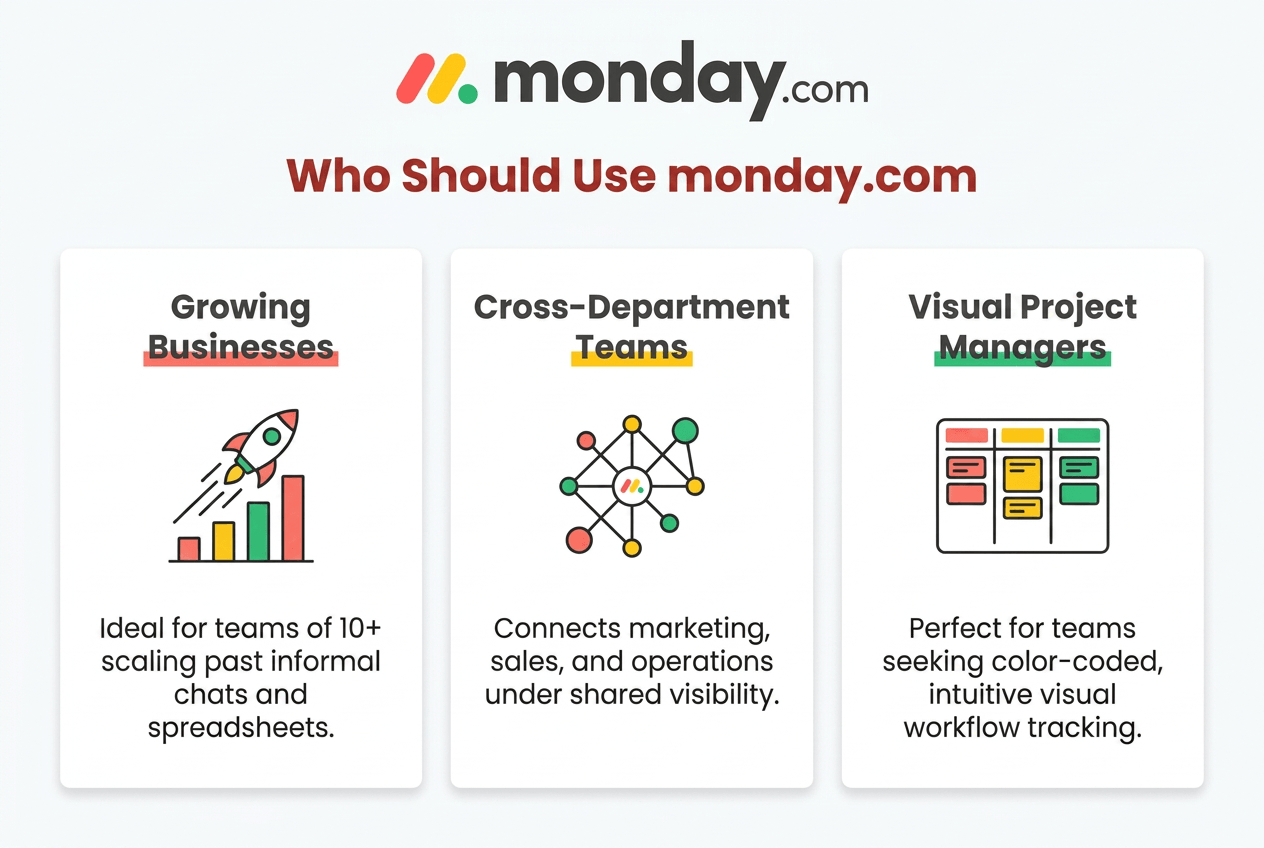
Companies scaling past 10 or 20 people, right around where informal coordination starts falling apart, tend to see the clearest payoff here.
Best for Cross-Functional Teams
Businesses where marketing, sales, and operations all need shared visibility get the most out of it. That’s really the core value, connecting departments that would otherwise just work in silos and hope for the best.
When Another Platform May Be Better
Very small teams, or ones that just need a simple task list without any cross-department stuff going on, might find the per-seat cost hard to justify against something leaner and cheaper.
About monday.com
Company Background
Founded in 2012 by Roy Mann and Eran Zinman. Publicly traded now, NASDAQ ticker MNDY, headquartered out of Tel Aviv.
Industries Served
Gets used across tech, marketing, sales, HR, operations, construction, IT, manufacturing. Says something about how flexible the board structure really is.
Global Presence
Runs globally. Available in most countries, built to handle teams spread across different time zones without much friction.
Frequently Asked Questions
Is monday.com worth paying for?
For teams juggling projects across multiple departments? Usually, yeah. One freelancer with a handful of tasks probably doesn’t need it, the free plan or something cheaper does the job.
What is monday.com mainly used for?
Project management, workflow automation, getting different teams to actually coordinate without a dozen extra meetings tacked on.
Is monday.com better than Asana?
Not “better” exactly. Just different. monday.com fits visual, cross-functional teams. Asana fits teams whose work is more linear and task-heavy.
Does monday.com offer a free plan?
Yep, capped at 2 seats, up to 3 docs, a few templates. Automations and integrations need a paid tier though.
Which businesses should use monday.com?
Growing SMBs and mid-market companies juggling several departments at once tend to get the most out of it. More than solo users do, or very small teams.
Should Your Business Invest in monday.com?
monday.com earns its price once a business has outgrown spreadsheets and scattered group chats and genuinely needs visibility across departments. Growing SMBs. Cross-functional teams. Companies juggling marketing, sales, and operations all at once. That’s the clearest fit, no question.
Smaller teams, or solo operators, might struggle to justify the per-seat pricing and that 3-seat minimum, especially if the workflow never really needed heavy automation in the first place. Everyone else, though? It tends to pay for itself. Fewer status meetings. Less work quietly falling through the cracks.
Start Free Trial