
- What It Is: A WordPress-focused web host, officially recommended by WordPress.org
- Entry Price: From $3.99 a month, but only on a 36-month commitment
- The Catch: Renewals start around $9.99 a month, roughly 150% higher
- Refunds: 30 days on new annual plans, not on monthly contracts or domains
- Uptime: Independent testing showed 99.95%, against an advertised 99.99%
- One Rule: Budget from the renewal price, not the intro price
Identify: What Bluehost Actually Is
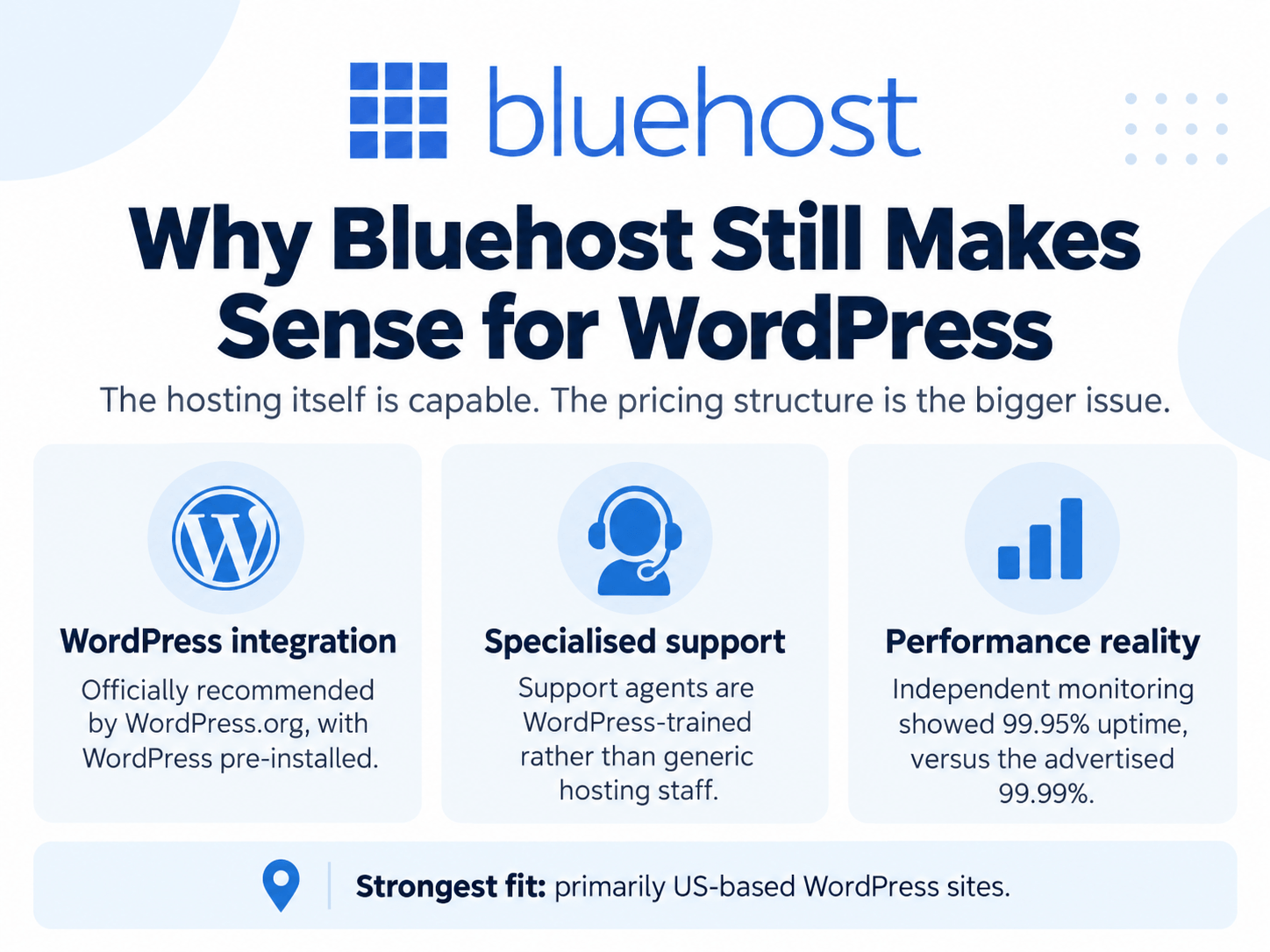
Bluehost is a shared and managed hosting provider built primarily around WordPress. It is one of only a handful of hosts officially recommended by WordPress.org, and that integration is real rather than nominal. WordPress arrives pre-installed, and support agents are WordPress-trained rather than generic hosting staff.
The stack has improved too. Bluehost migrated to Oracle Cloud Infrastructure in 2026, and plans now include NVMe storage and a free Cloudflare CDN.
Check Bluehost Current Pricing
Evaluate: How It Performs
Pricing, and the Part That Matters
The advertised entry price is $3.99 a month. Two conditions apply: it requires a 36-month commitment paid upfront, and it applies to the first term only.
| Stage | What You Pay |
|---|---|
| Intro, 36-month term | From $3.99/month |
| Renewal | From $9.99/month, roughly 150% higher |
| Cloud hosting | $75 to $250/month, with a 100% uptime SLA |
| Top-tier plans | Up to roughly $144/month on a 36-month term |
The Add-Ons to Watch
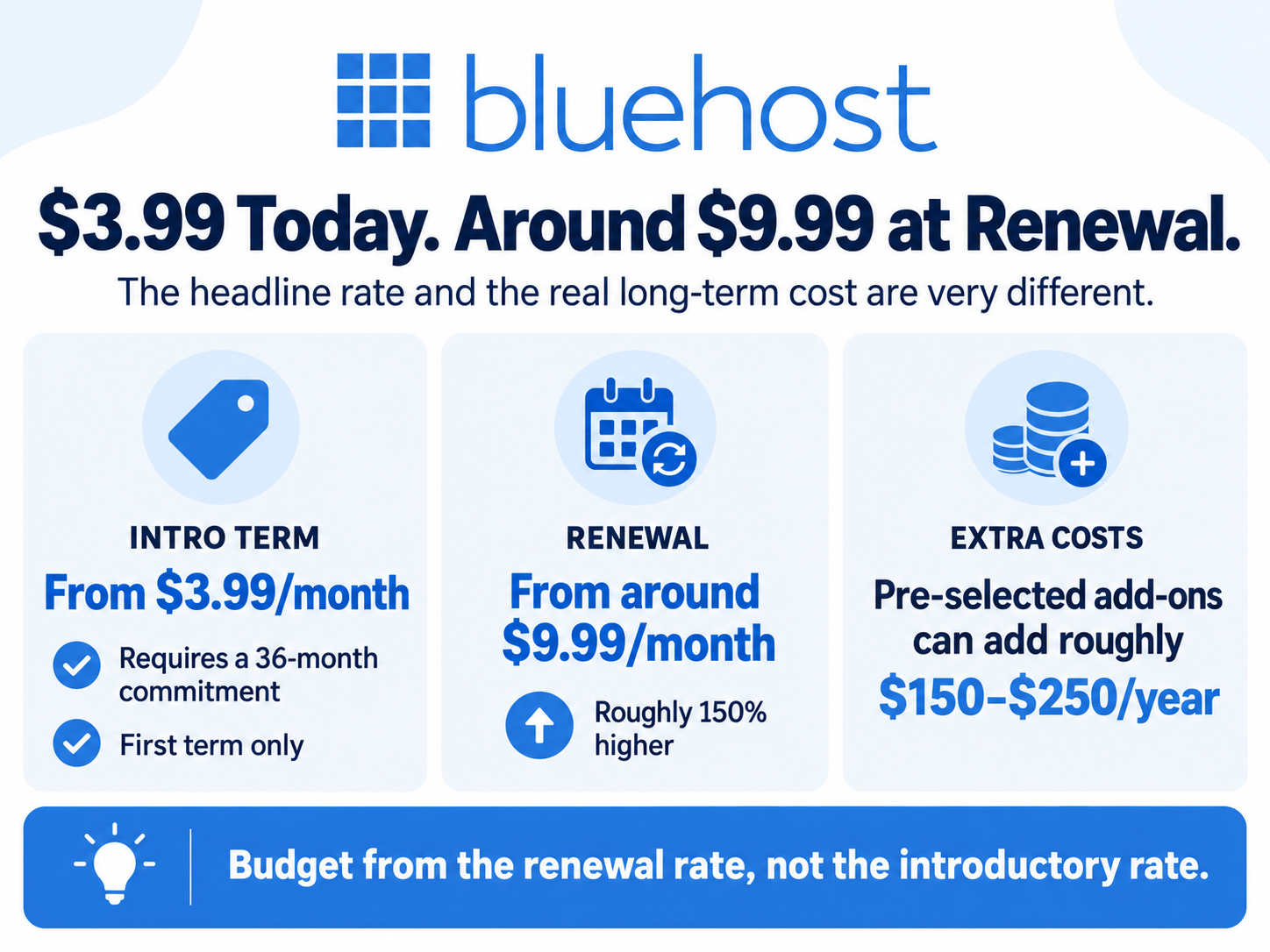
Checkout pre-selects extras, and several convert to recurring charges.
- Domain Privacy is pre-ticked at the domain step and renews at around $15 a year
- Domain renewals run about $23.99 for a .com and $18.99 for a .org, above registrar rates
- Site migration costs around $150 per site, against $30 or free at several competitors
- Backup services run roughly $35.88 to $119.88 a year
- Auto-renew is on by default on every plan
Together these can add $150 to $250 a year that the headline price never suggested.
Performance
Independent monitoring showed 99.95% uptime in late 2025, against an advertised 99.99%. That gap works out to roughly 13 minutes of downtime a month.
Speed is solid for US-based audiences. For international traffic it trails alternatives like Hostinger noticeably, which matters if your customers are not primarily American.
Compare: Bluehost vs the Alternatives
| Factor | Bluehost | Hostinger | SiteGround |
|---|---|---|---|
| Intro price | From $3.99/mo on 36 months | Comparable, often lower | Higher |
| Renewal increase | Steep, roughly 150%+ | Steep | Steep |
| WordPress integration | Officially recommended, pre-installed | Strong | Strong |
| International speed | Weaker outside the US | Stronger globally | Strong |
| Migration cost | Around $150 per site | Often free | Often free |
The uncomfortable truth is that steep renewals are standard across budget hosting rather than unique to Bluehost. What differs is the size of the jump and what the add-ons cost.
Recommend: The Refund Rules to Know First
The 30-day money-back guarantee is narrower than it sounds, and the details decide whether you can actually get out.
- It applies to new Shared, VPS, and Dedicated signups
- It applies to annual or multi-year contracts only, not monthly ones
- Domain registration fees are never refundable
- Add-ons are non-refundable regardless of when you cancel
- After 30 days, renewals are non-refundable except within a 15-day prebill window
- Card refunds land in five to seven business days
Two further frictions worth knowing. Downgrading a plan reportedly requires starting a new plan and migrating the site rather than switching in place. And users have reported being unable to remove stored card details from the account.
Who It’s Actually For
A good fit if you are building your first WordPress site, you want WordPress-trained support rather than generic help desk staff, your audience is primarily US-based, and you can commit to 36 months upfront to capture the entry rate.
A poor fit if you want the lowest long-term cost, you serve international traffic, you expect to change plans often, or you prefer paying monthly, since that forfeits the refund guarantee entirely.
How to Buy Bluehost Without Overpaying
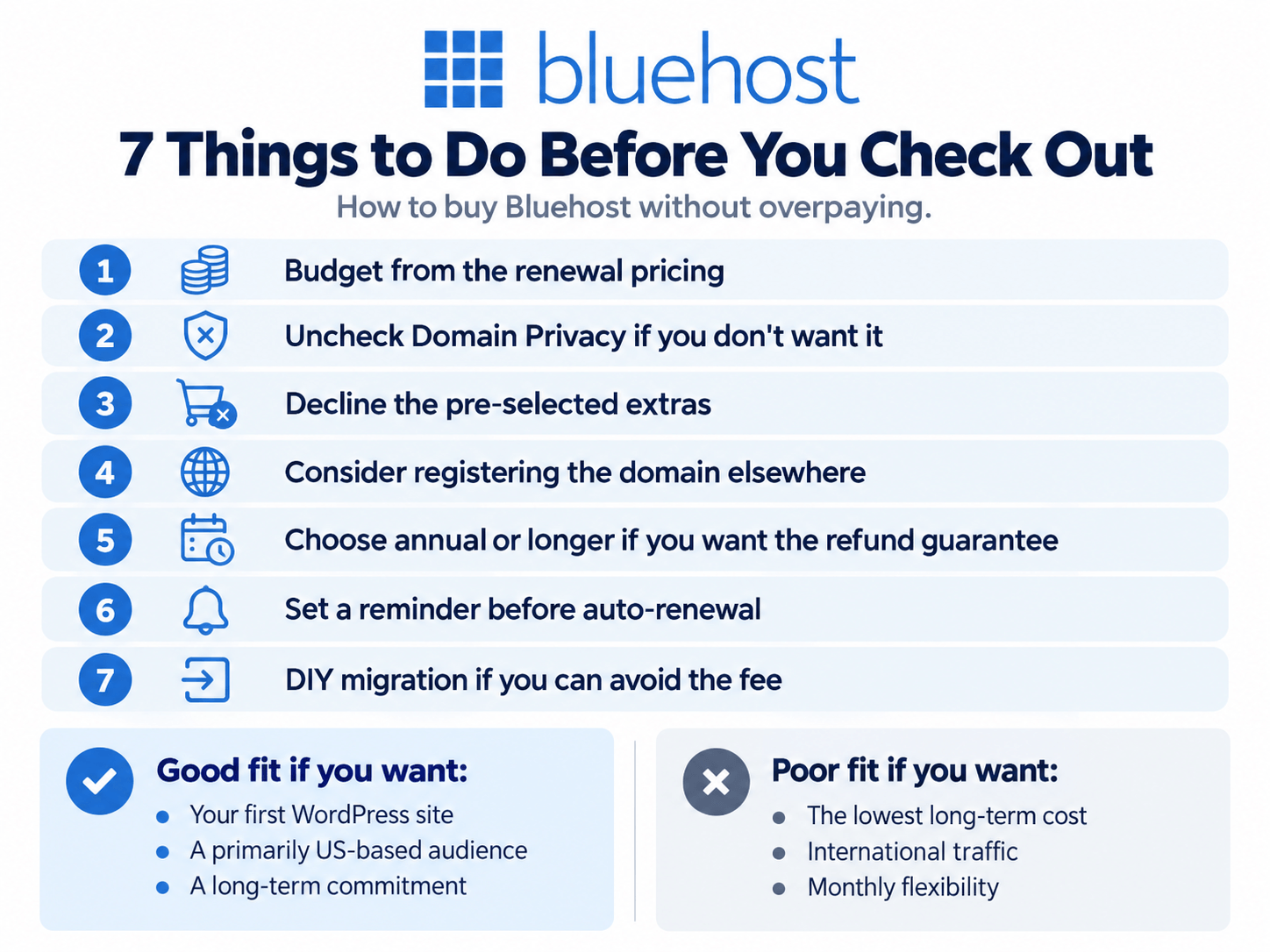
- Budget from the renewal rate, not the intro price. Work out year four before signing up for year one.
- Uncheck Domain Privacy at the domain step unless you want it, since it is pre-selected.
- Register your domain elsewhere if renewal cost matters, given the rates above registrar pricing.
- Decline the pre-ticked extras at checkout and add only what you need.
- Pay annually or longer if you want the refund guarantee to apply at all.
- Diarise your renewal date, since auto-renew is on by default and some users report charges up to 15 days early.
- Migrate the site yourself if you are capable, given the $150 per site fee.
Frequently Asked Questions
How much does Bluehost really cost?
From $3.99 a month on a 36-month term, renewing from around $9.99 a month. Add-ons including domain privacy, backups, and migration can add $150 to $250 a year.
Is the 30-day guarantee reliable?
On new annual or multi-year hosting plans, yes. It does not cover monthly contracts, domain registration fees, or add-ons.
What is Bluehost’s real uptime?
Independent monitoring recorded 99.95% in late 2025, against an advertised 99.99%, or roughly 13 minutes of downtime a month.
Is it good for WordPress?
Yes. It is officially recommended by WordPress.org, ships WordPress pre-installed, and staffs WordPress-trained support on every plan.
Can I downgrade my plan later?
Reportedly not in place. Users describe having to open a new plan and migrate the site, so choose your tier carefully at signup.
Final Verdict
Bluehost is a capable WordPress host with genuine platform integration, improved infrastructure after the Oracle Cloud migration, and support that knows the software rather than just the server.
The problem is not the hosting. It is the pricing structure, where an attractive entry rate, a steep renewal, pre-selected add-ons, and default auto-renew combine into a bill that bears little resemblance to the advertised figure.
Go in with the renewal number in mind, uncheck what you did not ask for, register your domain elsewhere, and set a calendar reminder before your term ends. Handled that way it is a reasonable choice for a first WordPress site. Handled casually, the second invoice is where the regret arrives.
Get Started With Bluehost