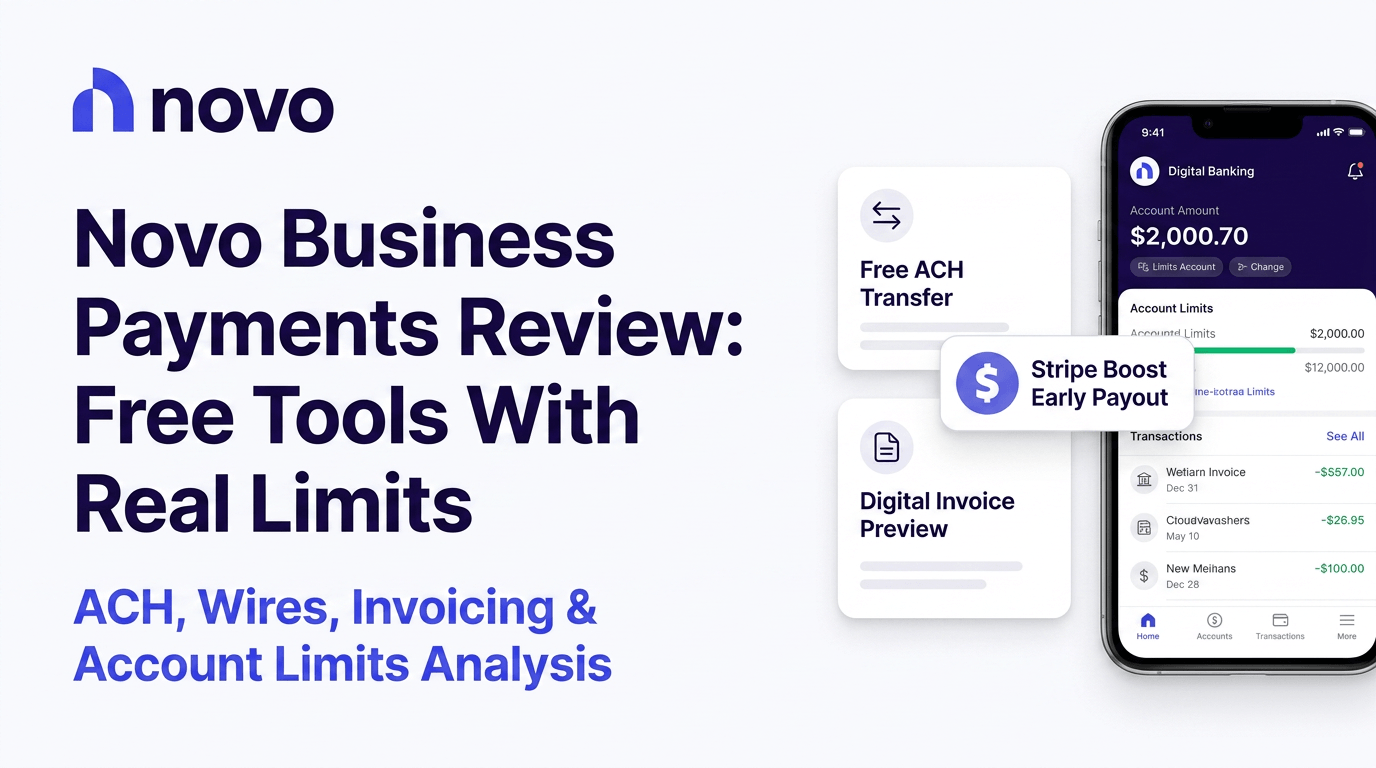
Novo’s payment tools are genuinely free and genuinely useful. Until they’re not. The moment you need to pay the same vendor automatically every month, or deposit cash from a weekend pop-up, or call someone because a wire vanished into the ether, you find the walls. That’s the honest version of this review.
Quick take before you dive in:
- Standard ACH costs nothing, ever
- No recurring bill pay for vendors
- Cash deposits aren’t supported at all
- Outgoing wires run $30 a pop
- Invoicing is free and actually decent
What Novo’s Payment Tools Actually Include
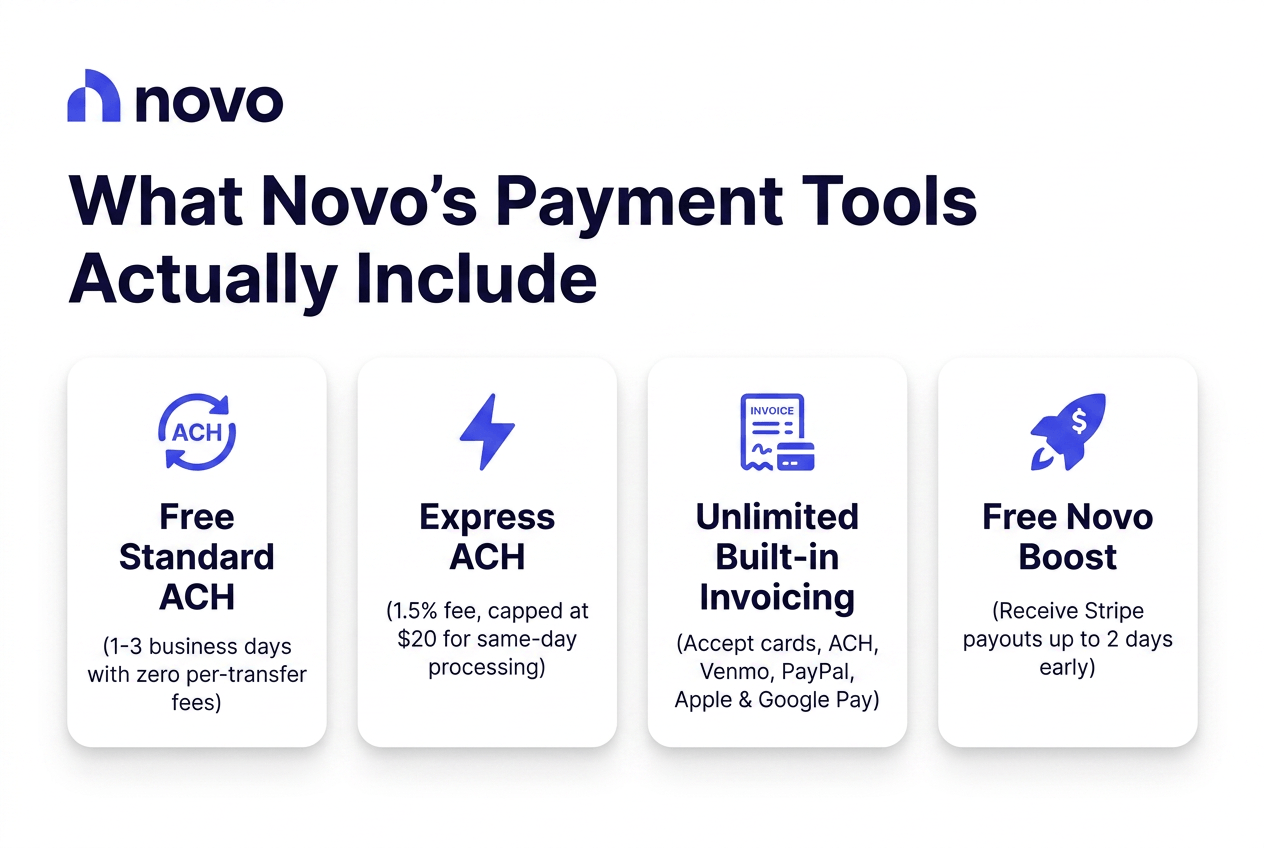
Standard ACH is free and takes one to three business days. Need it faster? Express ACH charges 1.5%, capped at $20, and lands same-day. There’s built-in invoicing, unlimited, accepting cards, ACH, Venmo, PayPal, Apple Pay, Google Pay. Wires work too, though not cheaply, more on that below. And Novo Boost speeds up Stripe payouts by a couple days, for free. That’s the toolkit. Simple on paper.
Where Novo Makes Paying People Easy
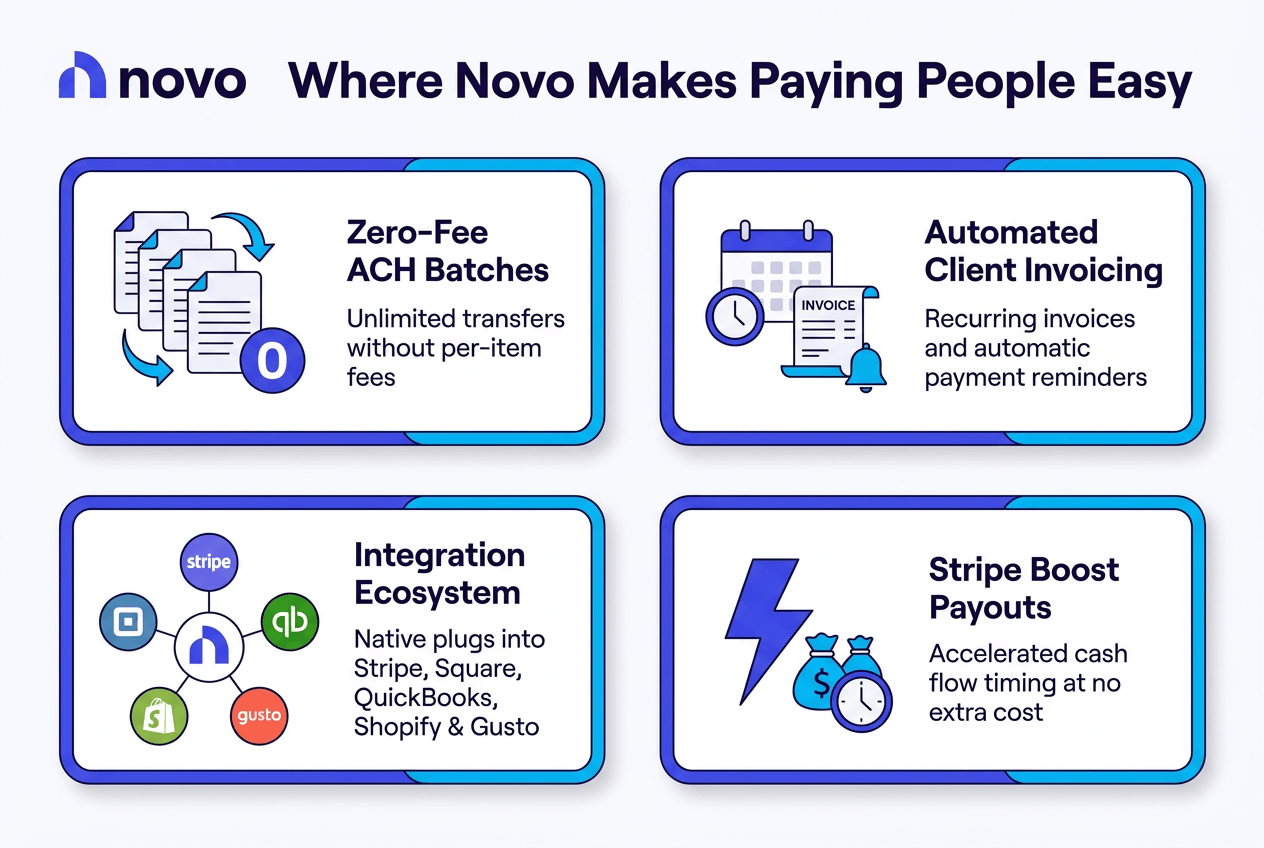
Free Standard ACH
No per-transaction fee. None. Unlimited transfers, and that’s rare — most online business banks nickel-and-dime you for every ACH batch you push out. Novo just doesn’t.
Built-In Invoicing That Actually Works
Unlimited invoices. Recurring invoice options. Automatic reminders that chase clients so you don’t have to. For a lot of solo operators, this alone replaces a $15-a-month invoicing subscription.
The Integration Ecosystem
Stripe, Square, QuickBooks, Shopify, Etsy, Gusto — it plugs into where your money already lives, which matters more than any single feature on its own.
Novo Boost for Stripe Sellers
Get paid up to two days early. No cost. If you sell on Stripe and cash flow timing has ever pinched you, this one’s a quiet win.
The Payment Gaps That Catch Businesses Off Guard
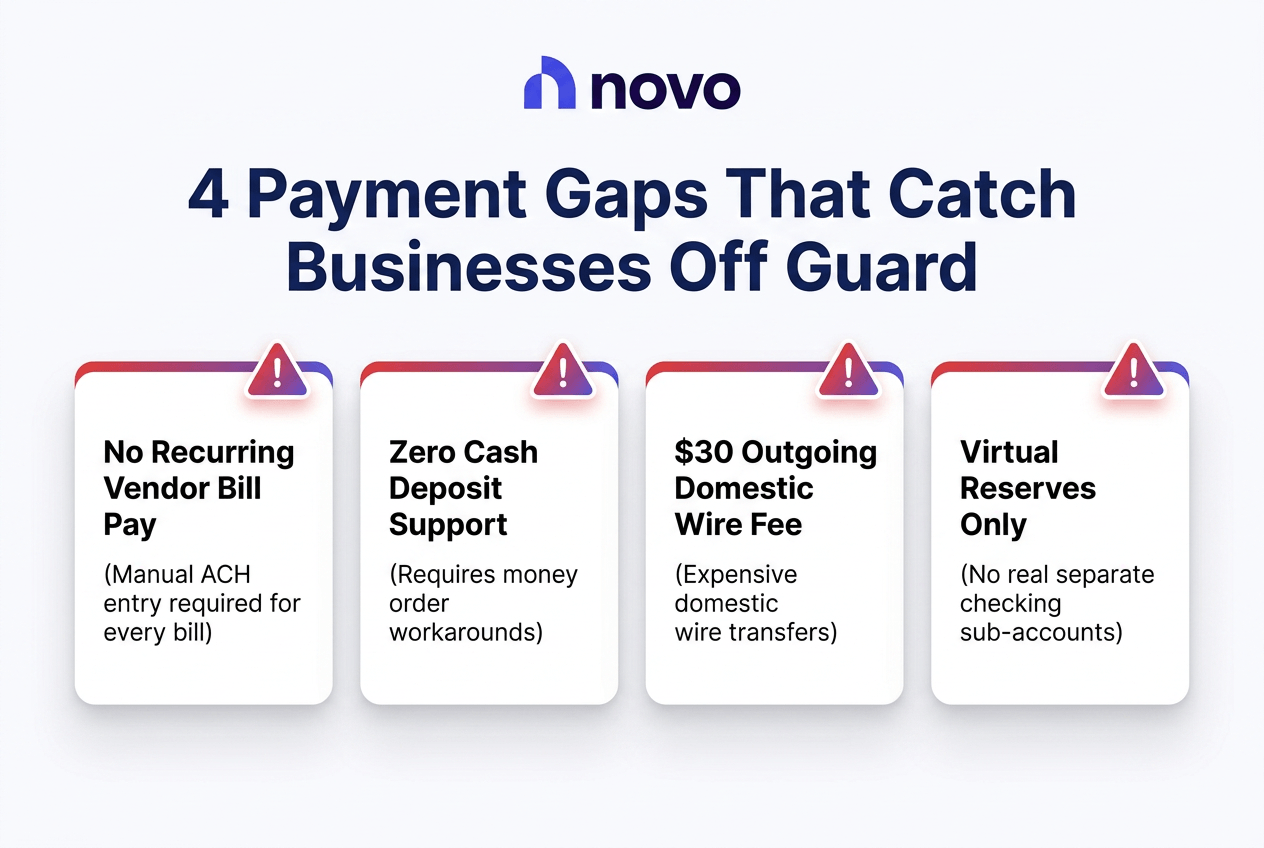
No Recurring Bill Pay
Here’s the part that trips people up. You can schedule recurring invoices to receive money. You cannot schedule recurring payments to send it. Every vendor ACH, every rent payment, every subscription you pay out — manual, every single time. Competitors like Bluevine let you automate this. Novo doesn’t, not yet.
The Cash Deposit Problem
Zero cash deposits. None. You’d have to buy a money order and mobile-deposit it, which is a workaround, not a solution. If you run a food truck, a market stall, anything that touches physical bills — this one’s a dealbreaker, not a minor annoyance.
The $30 Outgoing Wire Fee
Thirty dollars per outgoing domestic wire. Mercury doesn’t charge for domestic wires. Relay charges five bucks. If you wire money even semi-regularly, this fee adds up fast and quietly.
No Real Account Separation
Novo’s Reserves look like separate accounts. They’re not, they’re virtual buckets inside one account. Fine for basic budgeting. Not fine if you’re running Profit First or trying to route vendor payments to a dedicated sub-account.
Express ACH: Speed at a Price
How It Works
1.5% of the transaction, floor of fifty cents, ceiling of twenty dollars. Same-day, provided you initiate it inside the processing window.
The Math
Send $1,000 and you’ll pay $15. Send $5,000 and it caps at $20. Compare that against free standard ACH, which just takes a couple extra days to land.
When It Makes Sense
Payroll emergency. Vendor payment you forgot until the last minute. That’s about it. Using Express ACH as your default is an expensive habit.
Invoicing: Novo‘s Hidden Strength
Unlimited invoices, customizable templates, recurring billing, payment tracking, and a handful of accepted payment methods. That’s the good news. The limitations: no project time tracking, no advanced reporting, nothing for multi-currency work. Fine if you’re a solo consultant billing three or four clients. Thin if you’re running an agency with a real project pipeline.
Compared to standalone tools, Novo beats paying separately for FreshBooks or QuickBooks invoicing. But it loses to them once your needs get more complicated than “send invoice, get paid.”
Start Invoicing Free with Novo
Novo vs. the Competition: Three Alternatives for Business Payments
| Feature | Novo | Mercury | Relay | Bluevine |
|---|---|---|---|---|
| Monthly Fee | $0 | $0 | $0 | $0 |
| Domestic Wire Fee | $30 outgoing | Free | $5 | Varies |
| Recurring Bill Pay | No | Limited | Yes | Yes |
| Cash Deposits | No | No | Yes (Allpoint ATMs) | Yes |
Mercury pulls ahead on wires and vendor onboarding, plus Treasury accounts that actually pay yield. Novo counters with a simpler setup and better ATM refunds for solo operators who don’t need any of that complexity.
Relay gives you twenty real checking accounts, not virtual buckets, and up to fifty debit cards for teams. Novo’s app experience is smoother, and the built-in invoicing plus Stripe Boost are things Relay doesn’t really match.
Bluevine pays 1.3% APY on checking balances and lets you automate bill pay, with a line of credit if you need one. Novo has no interest, no fees either, and stronger integrations with the tools freelancers already use.
Support Reality: What Happens When Payments Break
The Channel Limitation
Email and in-app chat. That’s it for standard issues. Fraud reporting runs 24/7, which is something, but there’s no phone line for a stuck wire on a Tuesday afternoon.
The Complaint Pattern
Trustpilot sits at 4.0 out of 5 across roughly 4,548 reviews, decent on the surface. Dig into the recent ones and a pattern shows up: frozen accounts with no warning, ATM withdrawal disputes that drag on, Express ACH payments that didn’t process on schedule, bonus payouts denied after the qualification criteria were already met. BBB complaints echo the same theme around account freezes.
What This Means for Payments
A vendor payment fails. A wire goes missing. Your account freezes for review. In any of these, you’re not calling anyone. You’re typing an email and waiting for a reply, and that wait can stretch longer than a business with cash flow pressure can really afford.
Who Should Bank with Novo for Payments, and Who Shouldn’t
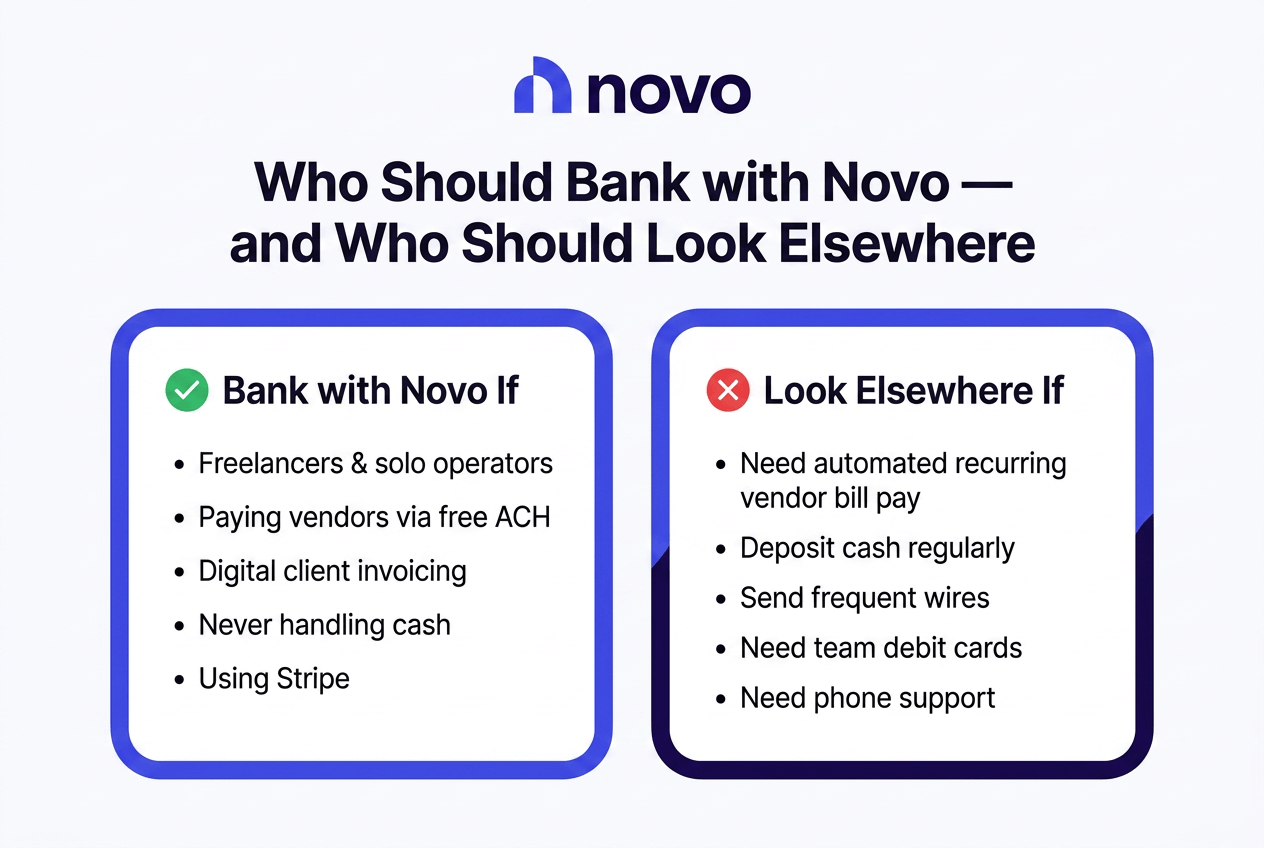
Novo fits if you’re a freelancer or solo operator paying a handful of vendors through ACH, invoicing clients digitally, never touching cash, already using Stripe, and wanting everything bundled into one free app.
Look elsewhere if you need to automate recurring vendor payments, deposit cash regularly, send wires often, manage a team that needs spending controls, want interest on idle balances, or expect to pick up a phone when something goes wrong.
Check Current Novo Account Details
Novo Payments: Pros and Cons
| Pros | Cons |
|---|---|
| Free unlimited standard ACH | No recurring vendor bill pay |
| Strong free invoicing tools | Zero cash deposit support |
| Solid Stripe and app integrations | $30 outgoing domestic wires |
| Novo Boost speeds up payouts |
FAQ
Does Novo charge for ACH transfers?
Standard ACH is free. Express ACH costs 1.5%, capped at $20 per transfer.
Can Novo send recurring payments to vendors?
No. Recurring works for incoming invoices, not for outgoing vendor payments.
How much does Novo charge for wire transfers?
Incoming wires are free. Outgoing domestic wires cost $30; international wires route through Wise at $15 to $45.
Can I deposit cash into my Novo account?
Not directly. You’d need a money order and mobile deposit as a workaround.
Does Novo invoicing accept credit cards?
Yes, along with ACH, Venmo, PayPal, Apple Pay, and Google Pay.
What happens if a Novo payment fails?
You’ll need to contact support through email or in-app chat since there’s no phone line for standard issues.
Learn More